
PXPlay: Remote Play
Overview
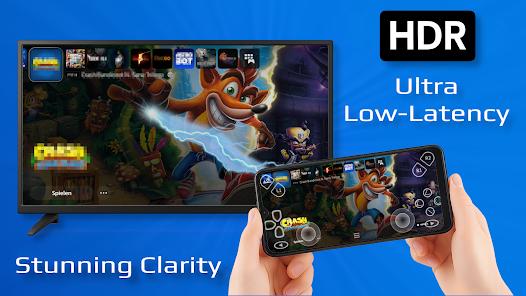
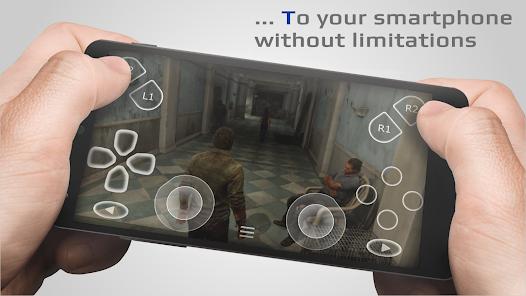
The expansion of mobile gaming has been significantly influenced by the ability to stream high-fidelity content from home consoles to portable devices. PXPlay, is a premier third-party utility designed to facilitate remote play for PlayStation 4 and PlayStation 5 consoles. While Sony provides an official Remote Play application, PXPlay has carved out a substantial market share among power users by offering technical features and customization options that are conspicuously absent from the official offering.
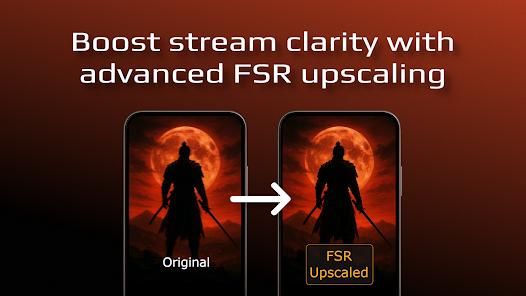
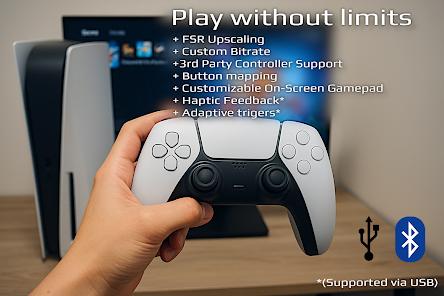
Technically, PXPlay operates by leveraging the same Remote Play protocol as the official app but optimizes the data stream to support a wider array of hardware and network configurations. One of its most significant feature breakdowns includes universal support for third-party controllers. While the official app primarily restricts users to DualShock 4 or DualSense hardware, PXPlay allows for the mapping of any Android-compatible gamepad, including the Razer Kishi, Backbone One, and various Bluetooth controllers. Furthermore, the app integrates advanced video enhancement technologies such as FSR (FidelityFX Super Resolution) upscaling, which improves visual clarity on high-resolution smartphone screens by sharpening the source video feed.
Insightful observations from the gaming community highlight PXPlay’s superior performance in "handshake" speeds and connection stability. Users frequently report that PXPlay establishes a connection with the console in a fraction of the time required by the official app, particularly when connecting over mobile data or complex mesh Wi-Fi networks. The app also supports Picture-in-Picture (PiP) mode and multi-window views, enabling gamers to maintain their stream while interacting with other applications—a critical feature for modern mobile multitasking. Compared to its competitors, PXPlay is often cited as the most "pro-oriented" remote play tool, offering nitty-gritty settings for bit-rate control, frame-rate limits, and audio latency adjustments that allow users to fine-tune the experience to their specific network environment.
Pros & Cons
Extensive third-party controller support allows users to leverage any Android-compatible gamepad, providing a more ergonomic experience for mobile gaming.
Includes advanced video processing features like FSR upscaling and sharpening, which significantly enhance the visual quality of the console stream.
Offers a much faster and more reliable connection process than the official application, reducing the time spent on "searching for console" screens.
Supports streaming over 4G/5G mobile data networks natively, without the need for the complex manual workarounds often found in other apps.
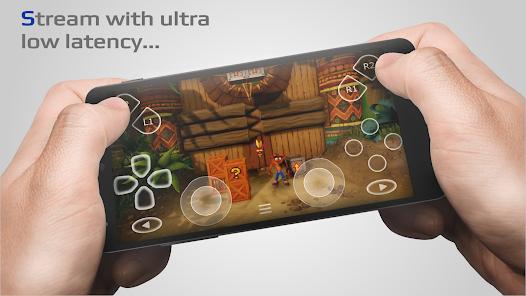
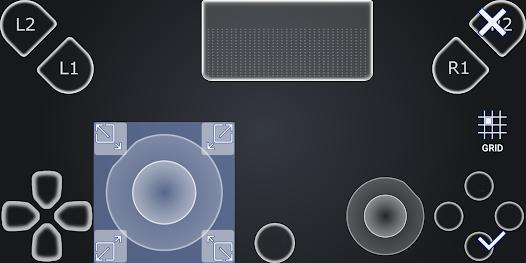
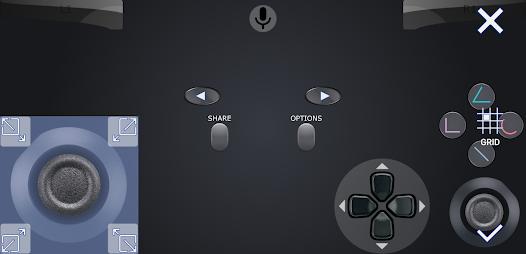
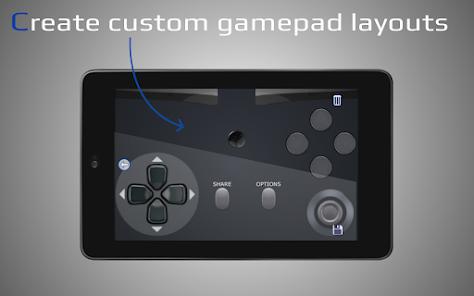
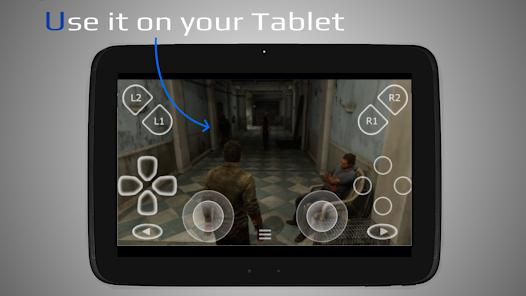
Highly customizable on-screen virtual controls allow for the creation of unique layouts tailored to specific game genres or accessibility needs.
Compatible with Android TV and Chromecast with Google TV, enabling users to stream their console to any television in the house.
Allows for the registration of multiple PlayStation profiles, making it easy to switch between different accounts on a single console.
- ✕
Unlike the official PlayStation Remote Play app, PXPlay requires a one-time purchase (approximately $4), which may deter users seeking a free solution.
- ✕
Initial configuration for internet-based play (outside the home network) can be technically challenging, often requiring manual port forwarding on the user's router.
- ✕
While highly optimized, the app still requires a high-speed internet connection (minimum 15 Mbps) and 5GHz Wi-Fi for a low-latency experience.
Download
 Get it on Google Play
  Get it on App Store
 FAQs
Does PXPlay work with the PlayStation 5?
Yes, the application is fully compatible with both the PS4 and PS5, and it supports the advanced features of the DualSense controller when connected via USB.
Can I play my games while using a 5G mobile connection?
Yes, PXPlay is specifically designed to support mobile data connections. However, performance will depend on the stability and speed of your mobile network.
Do I need to be on the same Wi-Fi as my console to set it up?
Initial registration typically requires the device and console to be on the same local network, but once configured, you can play from any location with a stable internet connection.
Is there a version for PC or Mac?
While this package name refers to the Android version, the developer (Florian Grill) has released a PC version and supports other platforms through similar builds.
Will using this app void my PlayStation warranty or get me banned?
No. PXPlay uses the official Remote Play protocol. It is a third-party client that communicates with your console just like the official app would.
Hot Reviews
I tried the official Sony app for months and it was a laggy mess. PXPlay connected instantly and allows me to use my Razer Kishi controller without any issues. The FSR upscaling actually makes the games look better on my 1440p phone screen. Well worth the few dollars.
Setting up the port forwarding was a bit of a headache, but once I got it working, I was able to play Spider-Man on the train over 5G. The input lag is minimal, and the ability to customize the button layout on the screen is a huge plus.
The Picture-in-Picture mode is a lifesaver. I can keep my game running in a small window while I check my emails or scroll through social media. It’s much more versatile than the official app.