
Photo Editor Video Maker Music
A genuinely capable all-in-one media studio whose trendy one-tap AI templates are the real draw, held back by a very heavy ad load that will decide the experience for most people. If you'll tolerate frequent video ads — or pay to remove them — it makes quick, shareable clips; if you won't, that friction is the whole story.
- Casual creators who want trendy one-tap AI effects — AI Hug, AI Kiss, caricatures, background removal — plus a fast photo-and-music slideshow maker in a single free app, and who can take frequent ad breaks in stride
- People who mainly want to turn a handful of photos into a shareable, music-backed family memory clip, and don't need precise, professional-grade editing control
- Anyone with a low tolerance for advertising who won't pay for premium — video ads land after almost every action, and users describe the navigation as a 'maze' of ads
- Power users who want precise or ad-free editing, the privacy-cautious given the app's required gallery access, and anyone who needs a watermark-free export without watching an ad or paying
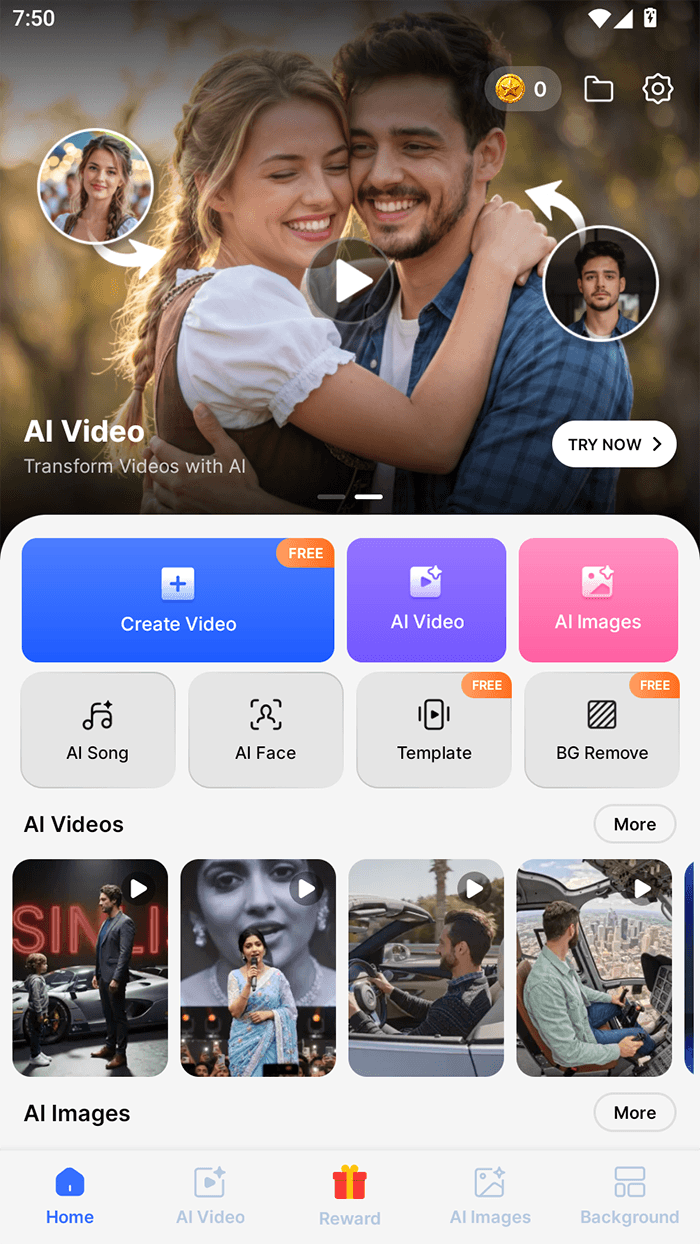
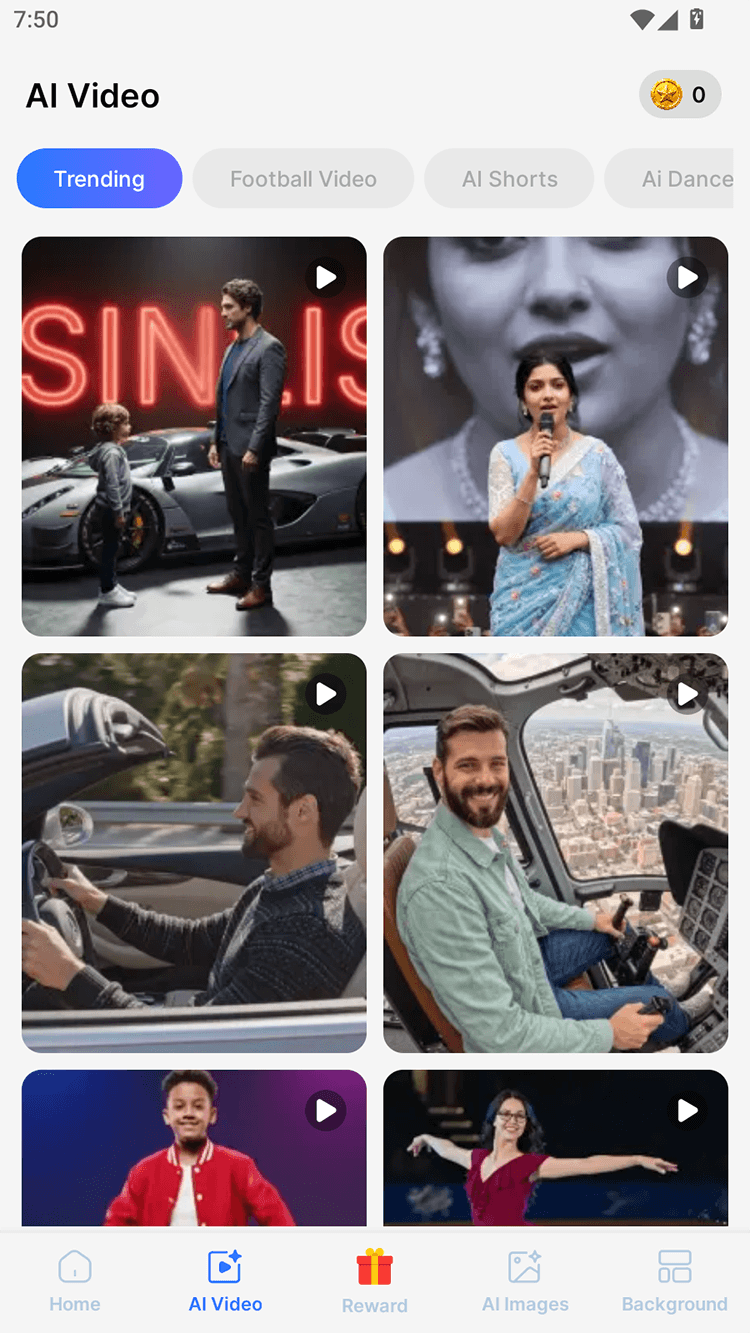
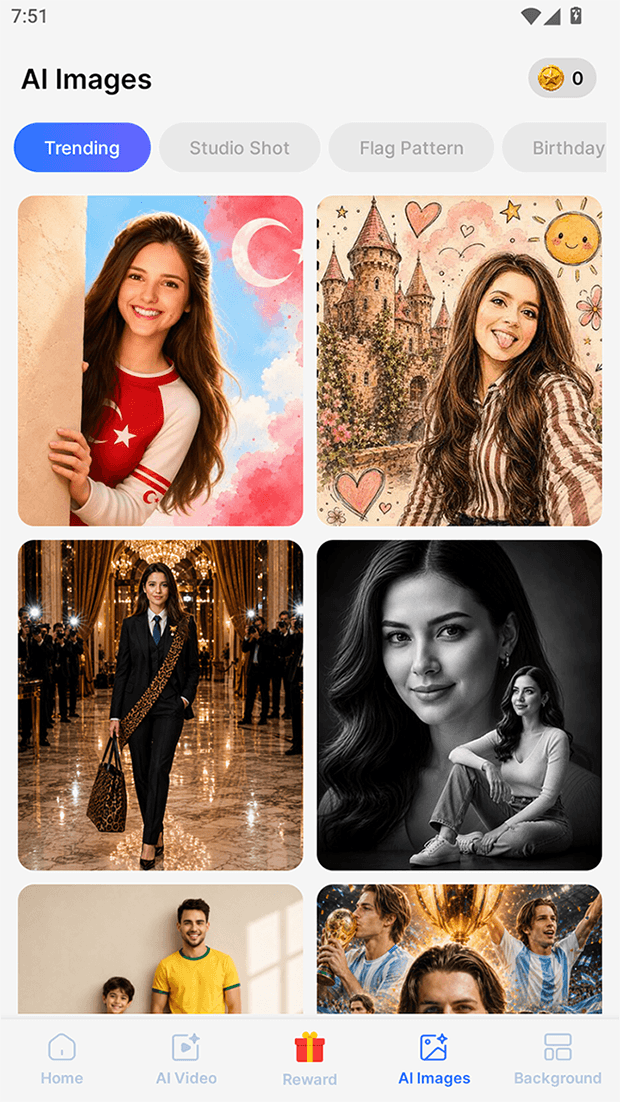
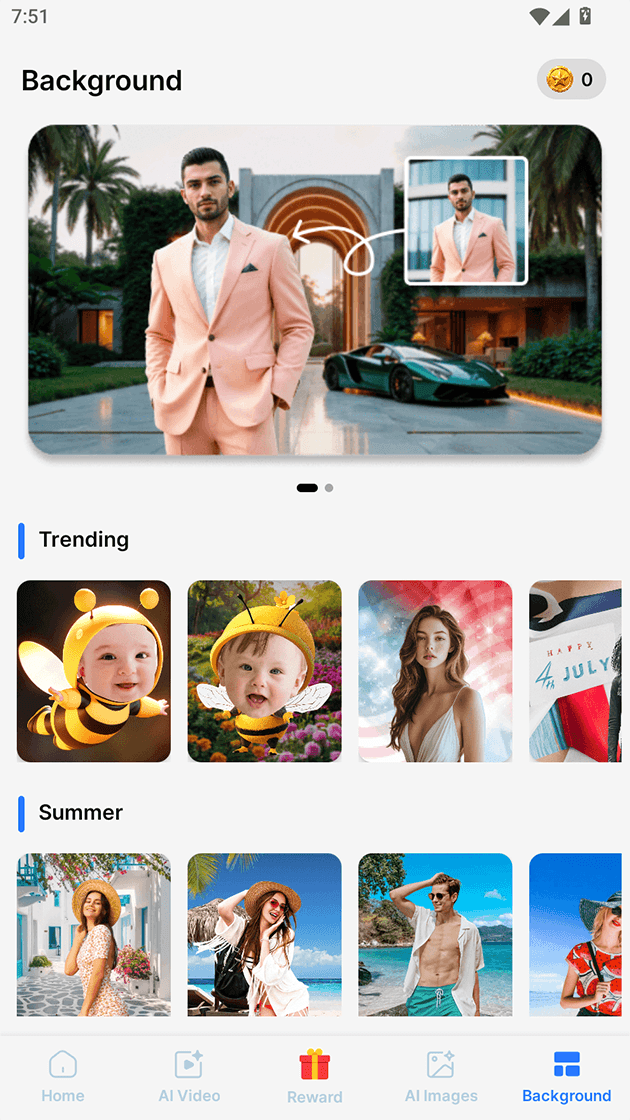

Overview
The verdict up front
Photo Editor Video Maker Music tries to be a whole creative suite in one free download, and on the strength of its trend-chasing AI templates it very nearly pulls it off — with one large asterisk we’ll get to quickly. This is a combined photo editor and video/slideshow engine from developer beauty app inc, pitched squarely at the 2026 “AI Creative” wave: it wants to be the app you open to animate an old photo, remove a background, turn a selfie into a caricature, or stitch a dozen pictures into a music-backed mini-movie. A lot of that works. What complicates the recommendation — and it’s the dominant story here, not a footnote — is how heavily the app leans on advertising to stay free. That trade is the entire review, which is why we land on a qualified “situational” rather than a clean yes.
What you’re actually getting
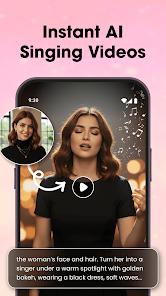
The pitch is breadth. Rather than a single-purpose editor, this is an all-in-one studio that folds a fairly capable photo editor (crop, filters, retouch) together with a video and slideshow engine, and then layers the currently fashionable AI features on top. In practice that means you can do the ordinary work — fix up a photo, drop it into a themed slideshow — and the eye-catching work — animate a still, generate a caricature — without leaving the app or paying up front. For casual creators, that consolidation is a real convenience, and it’s a big part of why the app has reached 10M+ installs.
The catch, which we’ll detail below, is that the free experience is paid for with a heavy stream of ads. But taken purely on features, the toolset is broad for a no-cost download.
The AI templates that are the draw
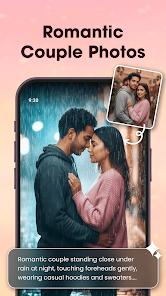
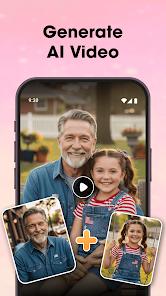
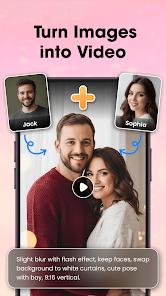
The headline features are the “AI Video Generation” templates, and two names carry the marketing: “AI Hug” and “AI Kiss.” You upload a photo of one or two people, and the app uses generative AI to animate it into a short clip — a hug, or a kiss — turning a static image into a few seconds of motion. Per the app’s own FAQ, these are frequently used to make memorial or tribute videos from photos of loved ones, which tells you something about the emotional pull the feature is built around. It’s worth being clear-eyed about what that involves: you’re uploading photos of real people to be processed, so the gallery-access and privacy note below applies directly here.
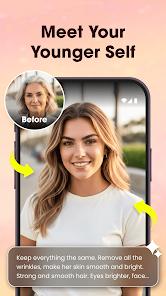
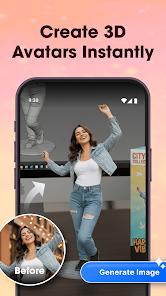
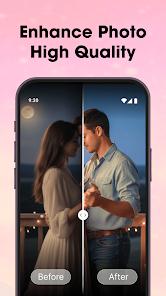
Around those sit the utility features, which are arguably the more broadly useful part of the suite. The “AI Photo Enhancer” targets clarity and lighting on low-resolution or poorly lit shots. The neural “Background Remover” does one-tap subject isolation, the kind of cutout that used to require a desktop tool. And the “Caricature Trend Generator” turns a photo — or a text prompt — into Big-head, Hand-drawn, or Cute styles aimed at Reels and TikTok trends. This last one draws the warmest user feedback in the material we reviewed: people who reach it describe the caricature results as “funny and high quality,” and use them for profile pictures. The appeal across all of these is the same — one-tap results with, as the store puts it, zero artistic skill required.
Making a slideshow in about a minute
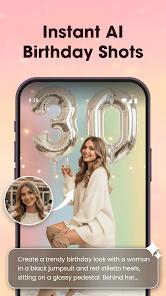
Underneath the AI layer is the app’s original job — a slideshow maker — and it’s competent. You pick photos, choose from themed frames, add transitions and filters, and set it to music: either the app’s library of trending tracks or your own imported MP3 or a recorded voice-over. The whole thing is built for speed, with the store advertising a finished slideshow in around a minute, and HD exports sized for Instagram and YouTube. This is the feature the more forgiving reviews single out: even people frustrated by the ads concede the app is effective at joining photos with music and transitions for a quick family memory clip. If your goal is a shareable mini-movie rather than a precisely edited one, it delivers.
The ad load, stated plainly
Here’s the part that decides everything, and we won’t bury it. This app is free because it’s very heavily ad-supported, and the frequency is the defining friction by a wide margin. By the store’s own description and the single loudest theme across its reviews, video ads appear after almost every action or button press. Users describe the experience as a “maze” of ads, and the complaint is consistent enough that some characterize the app, in their own words, as effectively unusable — one review’s “Worst App Ever” framing is aimed squarely at the ad frequency rather than the tools themselves. Most strikingly, some users report not being able to get past the initial language-selection screen because ads interrupted them so often. That’s an unusual thing to see cited, and it’s fair to weigh it heavily.
Compounding it, the interface itself is partly obscured by ad banners, which several users say makes basic navigation harder than it should be. None of this means the underlying features don’t work — plenty of people clearly do get useful results — but it does mean the path to those results runs through a lot of interruption. If you have a low tolerance for that, this is the single most important thing to know before installing.
The watermark and the privacy consideration
Two more caveats belong in the same honest column. First, exports carry a watermark unless you either watch an ad or pay for premium — so “free and clean” isn’t quite the deal; a truly watermark-free file costs you either your attention or your money. That’s a common model, but it’s worth expecting rather than being surprised by.
Second, the privacy consideration. The app needs access to your photo gallery to function, and its most distinctive features — animating photos of real people, enhancing images, generating caricatures — involve uploading personal photos for processing. The FAQ itself points users to the latest privacy policy for how data is handled, and we’d echo that: if you’re at all privacy-cautious, read that policy before feeding it images of family members, especially given the memorial-video use case the app actively promotes. We’re not raising an alarm here, just flagging a reasonable diligence step.
How it compares
The honest comparison is between convenience and control. Power users can find more precise, and sometimes ad-free, results in specialized single-purpose editors or web tools — a dedicated background remover, a standalone enhancer, a desktop-grade editor — and some reviewers say exactly that, noting that a few of these features could be done better elsewhere. What this app offers that those don’t is everything in one place, wrapped around the trendy one-tap AI templates that are genuinely fun and low-effort. That’s the trade: you accept a heavy ad load and less granular control in exchange for breadth, speed, and novelty. Which side of that you land on is entirely a matter of what you’re trying to do.
Recency and reputation
The scale signals are strong. The app sits at a 4.5 average across roughly 72,000 ratings, with 10M+ installs, eight screenshots, and an established niche as a free AI-driven editor. That rating volume gives the score real weight, even accounting for the ad complaints. One gap is worth naming rather than papering over: the material available to us lists no “Play updated” date, so we can’t verify how recently the app was patched or how current its AI models are — and we won’t guess at one.
Our take
Photo Editor Video Maker Music earns a 3.9 from us, a little under its store average, and the gap is entirely about the ad experience rather than the tools. The suite is genuinely capable for a free app: the AI Hug and AI Kiss templates are a novel, emotionally resonant draw, the caricature generator earns its warm reviews, the background remover and photo enhancer are legitimately useful, and the slideshow engine turns out quick, shareable, music-backed clips exactly as advertised. What holds it back is the price of admission — video ads after almost every action, an interface partly crowded by banners, and a watermark unless you watch or pay. Who is it not for? Anyone with a low tolerance for advertising who won’t pay for premium; power users who want precise or ad-free editing; the privacy-cautious, given the gallery access and photo uploads; and anyone who needs a clean, watermark-free export without watching an ad. But if you want trendy one-tap AI effects and a fast slideshow maker in one free app, and you can take the ad breaks in stride, there’s a real tool here — you just have to be willing to work through the interruptions to reach it.
How We Evaluate
We did not hands-on test this app. This review is built from the app's own Google Play listing and store description, its stated feature set (the AI Hug and AI Kiss video templates, the AI Photo Enhancer, the one-tap Background Remover, the Caricature Trend Generator, and the slideshow engine), the developer's FAQ and monetization disclosures, the current 4.5 store rating across roughly 72,000 ratings and the 10M+ install figure, documented themes across user reviews, and the app's public reputation as a free, AI-trend-driven photo and video editor. Where we describe strengths or friction, we're reflecting recurring signals in that material rather than personal editing sessions, and we flag where the listing leaves gaps — such as the absent "Play updated" date.
Pros & Cons
Offers unique, high-emotional-value AI templates like "AI Hug," which are not commonly found in standard video editors.
Highly effective "Caricature Generator" that allows users to stay on top of viral social media visual trends with zero artistic skill.
A true all-in-one suite that eliminates the need for separate photo editing, background removal, and video production apps.
Designed for speed, allowing users to create a high-quality video slideshow in approximately one minute.
Extensive library of trending music, transitions, and stylish filters specifically optimized for social media engagement.
Includes a powerful AI Photo Enhancer that can significantly improve the quality of low-resolution or poorly lit photos.
High-quality HD exports ensure that the final product looks professional on platforms like Instagram and YouTube.
- ✕
Overwhelming advertisement frequency, with multiple users reporting ads after almost every action or button press.
- ✕
The user interface is partially obscured by ad banners, making navigation difficult and frustrating for some users.
- ✕
Basic features are seen by some power users as something that could be done better on specialized, ad-free websites.
Download
 Get it on Google Play
  Get it on App Store
 FAQs
What is the "AI Hug" feature?
This is a generative AI tool where you upload a photo of one or two people, and the AI generates a realistic video of them hugging. It's often used for memorial or tribute videos.
Can I use my own music in the videos?
Yes, the app allows you to import your own MP3 files or record a voice-over directly into the video timeline.
Does the app have a watermark?
Like most free editors, there is usually a watermark on the final video unless you watch an advertisement or pay for the premium version.
How do I use the caricature generator?
You simply upload a photo and select a style (like "Big-head" or "Cute") or enter a text prompt to describe the style you want.
Can I edit photos before adding them to the video?
Yes, the app includes a full photo editing suite where you can crop, filter, and retouch images before placing them in the slideshow.
Is it safe to give the app access to my gallery?
The app needs access to your gallery to select photos for editing; however, you should always check the latest privacy policy regarding how your data is processed.
Hot Reviews
A recurring complaint among users is that the app is unusable; one reviewer stated they couldn't move between screens without navigating an endless loop of advertisements.
Some users acknowledge that while the ads are "annoying," the app is very effective for joining photos with music and transitions to create quick memories for family.
Users who successfully navigated the ads praised the "Caricature" feature, noting that the results were "funny and high quality," perfect for their social media profile pictures.