
Big Keyboard: Easy Homescreen
Big Keyboard is one of the more thoughtful senior-and-accessibility launchers on the Play Store — oversized high-contrast buttons and keys, a one-touch SOS button, and caregiver remote-management that genuinely earn its 4.5 reputation. Just read the branded '2026' extras, and especially the 'Shielded Mode' scam protection, as the developer's pitch and a helpful aid rather than a guarantee.
- Seniors, low-vision users, and people with motor-control challenges who find standard Android too small or cluttered — and want a simplified home grid of big, high-contrast buttons, enlarged keys, voice feedback, and a one-touch SOS button
- Families and caregivers setting up a phone for a less tech-comfortable relative who want remote layout management, contact whitelisting, and a launcher that's fully reversible from Android's own settings
- Users who want full access to advanced Android settings and customization, or anyone uncomfortable replacing their entire launcher with a simplified, locked-down interface
- Anyone expecting the 'Shielded Mode' scam-shield to be guaranteed protection rather than a helpful aid — and a target user with no family member or helper around to handle the initial setup
Overview
If you’re setting up a phone for a parent or grandparent who has started avoiding it because the letters are too small and the menus too fiddly, Big Keyboard: Easy Homescreen is one of the more genuinely useful tools we can point to. It belongs to a small category of accessibility launchers that replace the whole Android home screen with something calmer and more legible, and the reception backs the ambition: 1 million-plus installs and a 4.5 average across roughly 30,937 ratings put it near the top of the Personalization category for this audience. Our aim is to separate the parts we can stand behind — the ones users describe over and over — from the branded “2026” features developer SwipeTap Apps is pitching, and to flag one claim families should not lean on too hard.
More than a keyboard — a whole simplified phone
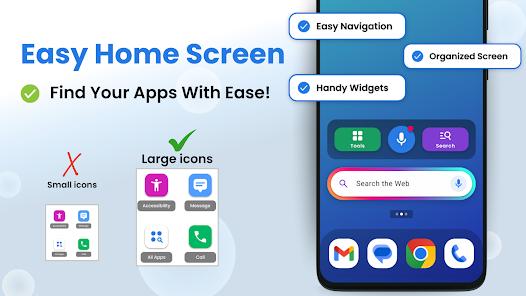
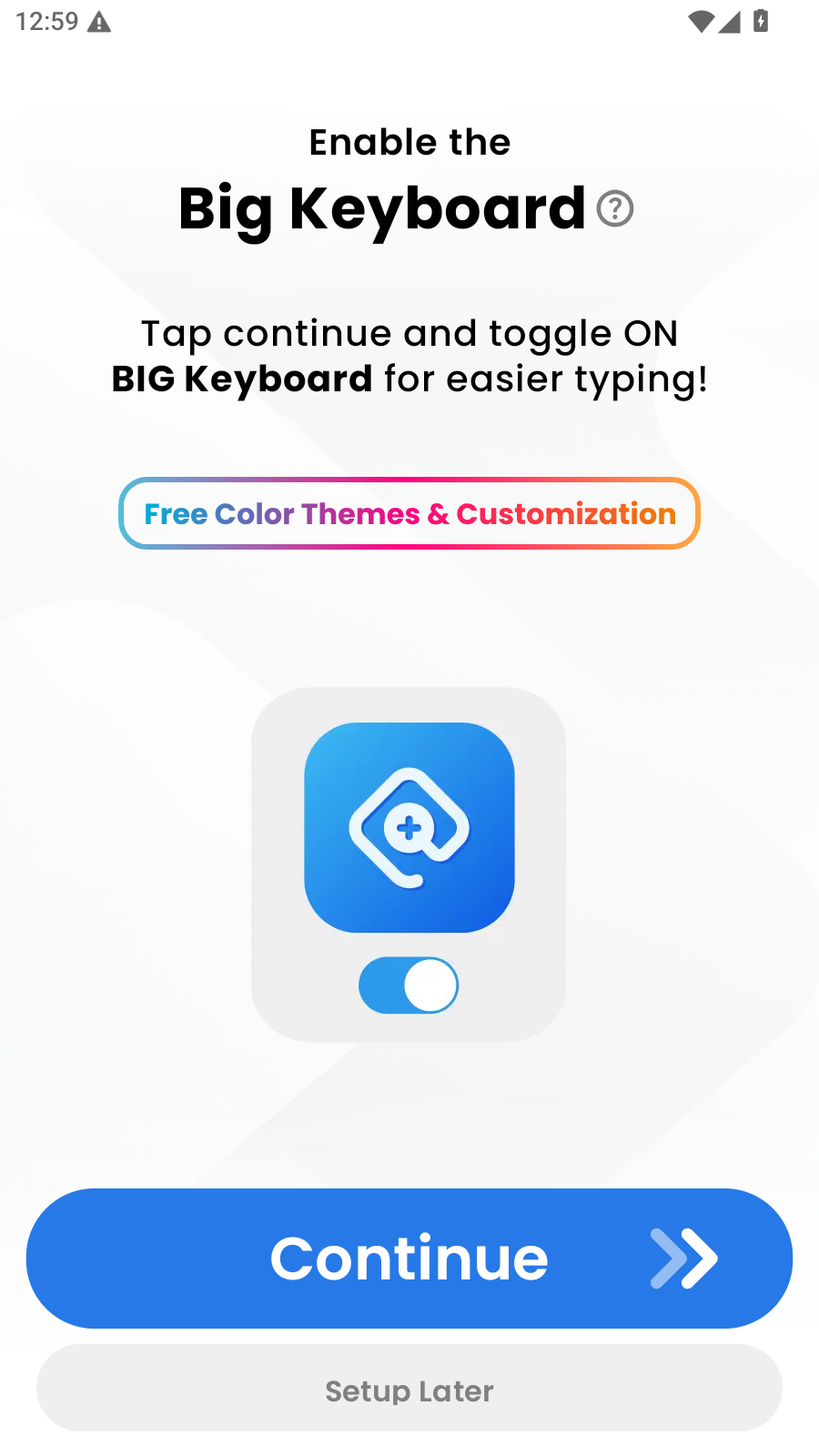
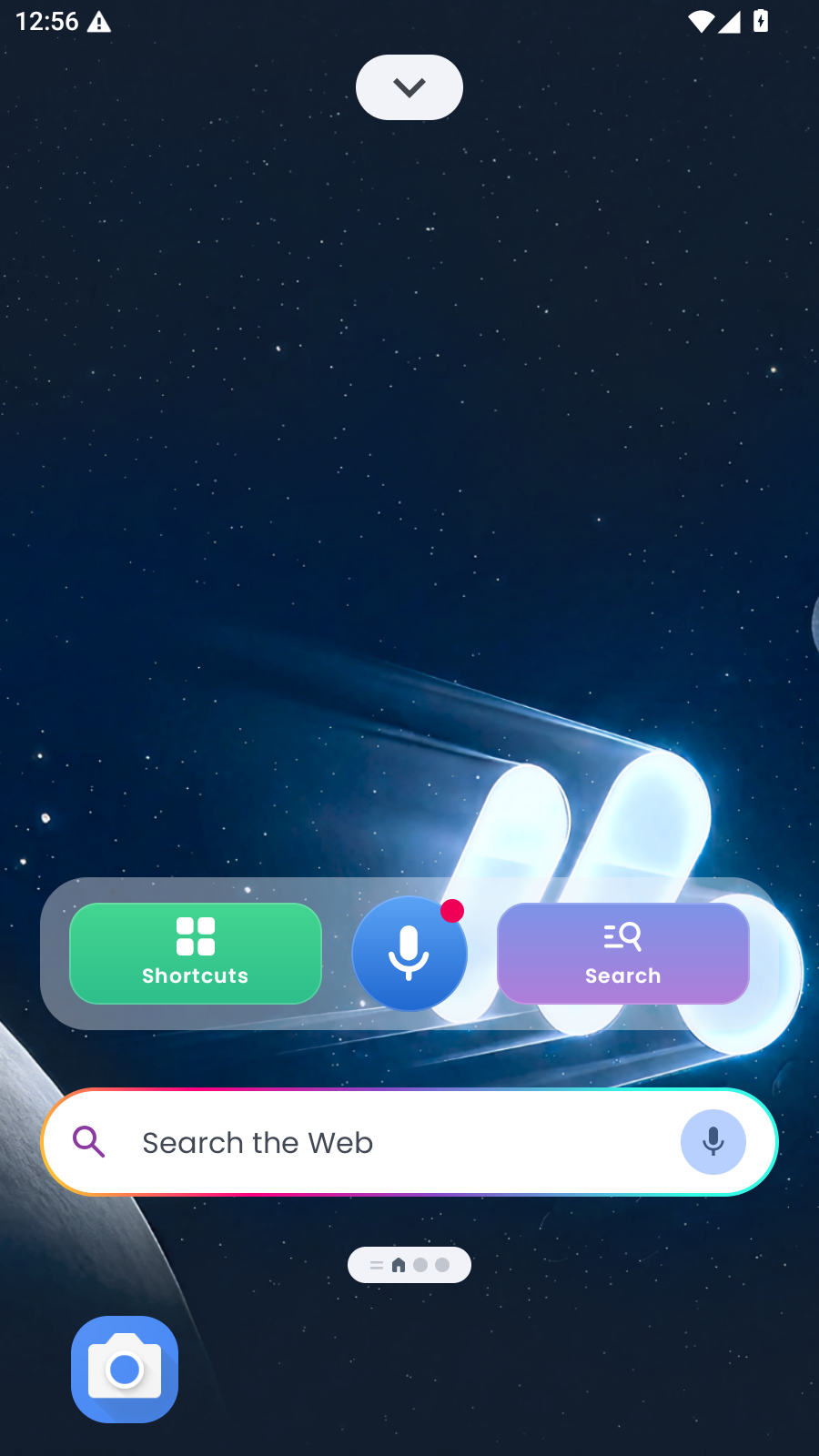
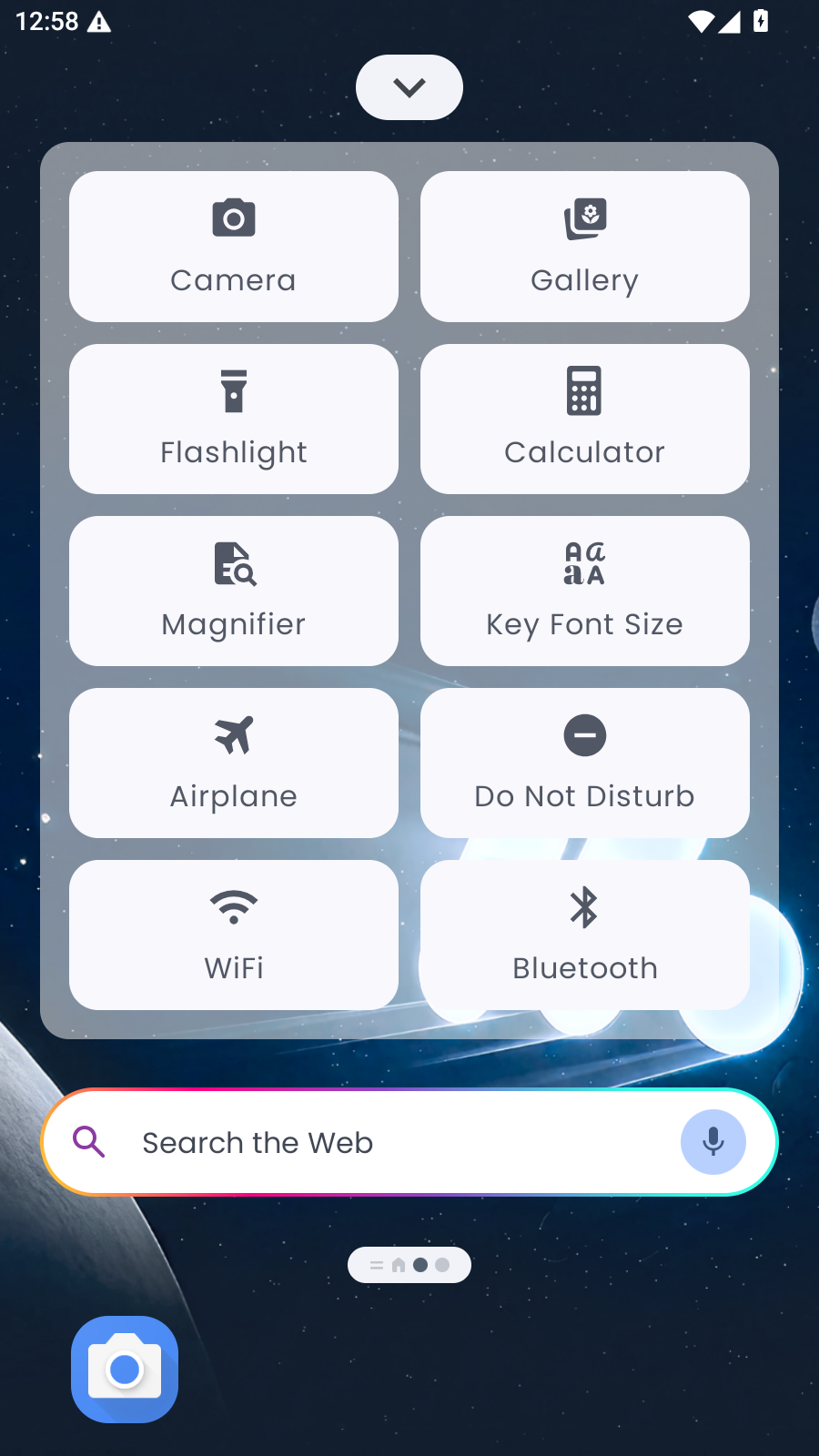
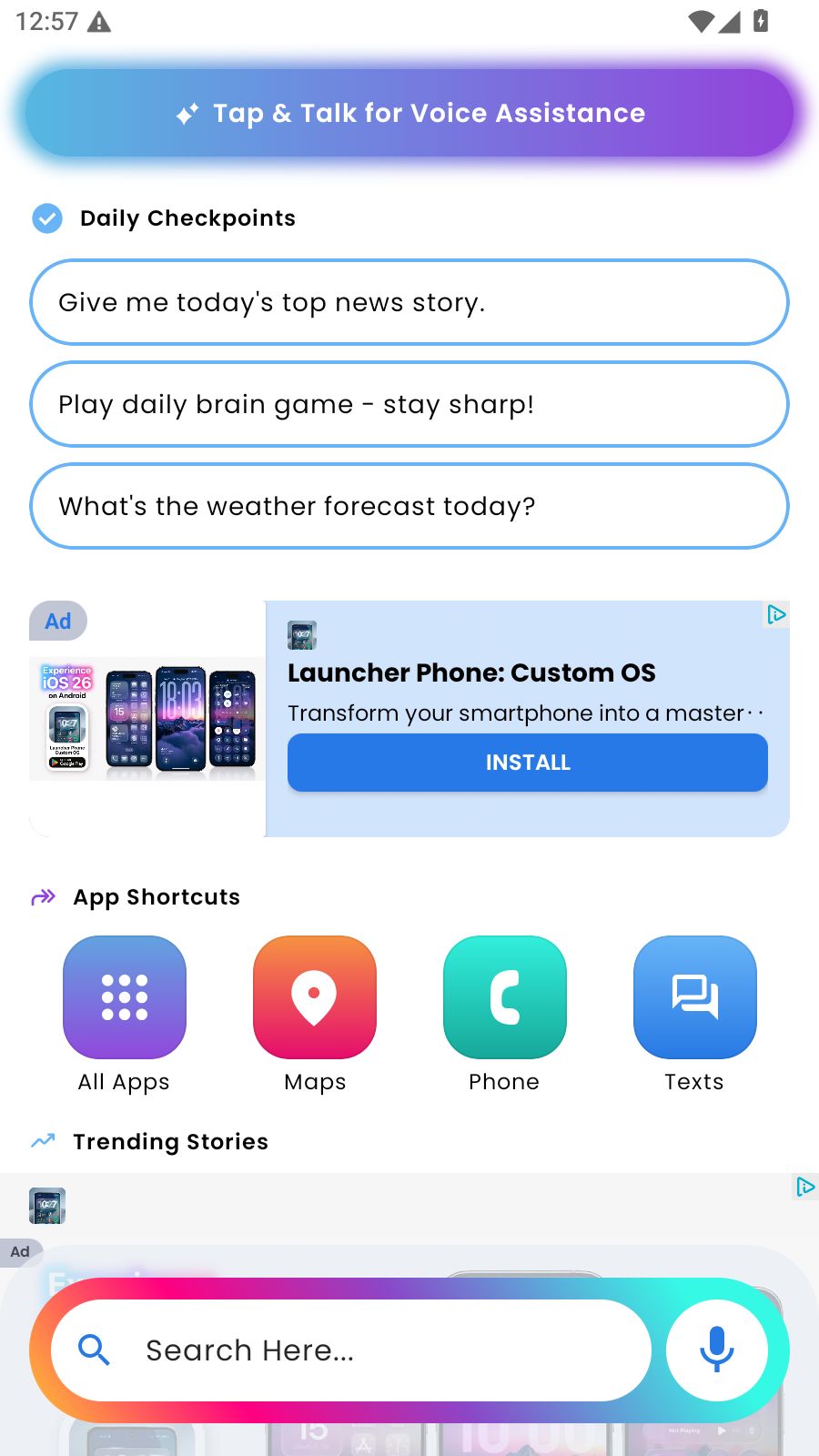
The name undersells the app: despite the “Big Keyboard” branding, this isn’t only an input method but a full launcher replacement that takes over the home screen and becomes the first thing you see when the phone wakes. In place of Android’s grid of small icons, nested folders, and swipe gestures, it presents a short set of oversized, high-contrast buttons for the functions most people actually use — Phone, Messaging, Camera, Emergency Contacts — and, per the FAQ, you can add any installed app such as WhatsApp, so a favorite isn’t left behind. The goal is to strip away everything that makes a modern phone intimidating — the clutter, the tiny targets, the accidental long-presses — and leave a screen a person with failing eyesight or unsteady hands can read and hit on the first try. Its own framing leans on “independence” and “dignity,” and for once that isn’t only marketing: the recurring theme across the reviews is exactly that.
The features we can stand behind
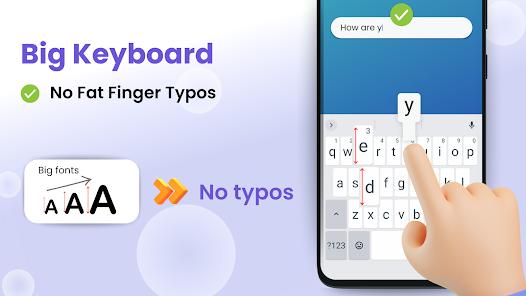
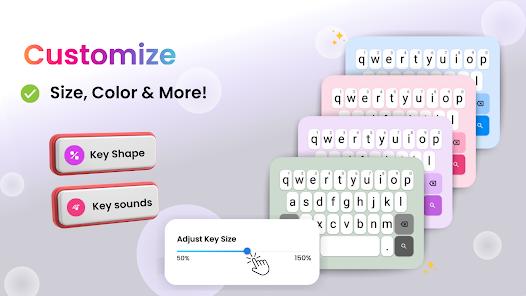
The grounded feature set is the strongest part of the app. The oversized, high-contrast buttons are the headline, corroborated repeatedly — one reviewer describes a mother who was about to give up her smartphone because she couldn’t see the letters, now texting again. The keyboard uses enlarged keys, and a low-vision user credits exactly that with letting them type without hitting three letters at once. You can also choose among several high-contrast themes, including Yellow-on-Black and White-on-Blue — and contrast, not just size, is what makes text readable for many low-vision users.
Two more grounded pieces round it out. There’s a prominent one-touch SOS button that, per the FAQ, can call emergency services or a designated family member — its value shows up the one time it’s needed. And because it’s a launcher rather than a lock, it’s fully reversible: switch your default launcher back in Android’s settings and the normal phone returns. The developer also calls the app lightweight and says it can speed up older devices — believable for a stripped-down launcher, though we’d hold it as the vendor’s claim.
Caregiver tools and voice feedback
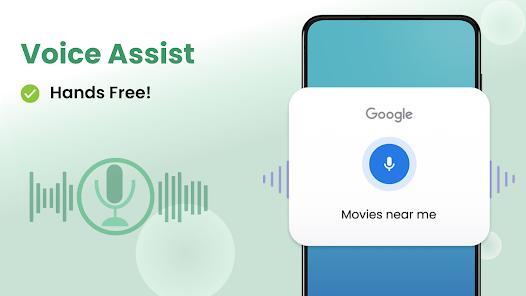
For the families doing the setup, the caregiver features are a real draw. A relative can remotely manage the layout and whitelist specific contacts, and one reviewer describes running the apps on a father’s phone from their own device and calling it a stress-saver — the angle that separates this from a simple big-font skin, since the person who benefits often isn’t the one configuring it. Rounding out the set is voice feedback: the app announces actions aloud and integrates with Google Assistant, which a reviewer with tired eyes calls clear and loud, and helpful for navigating by ear.
The “2026” branding, and what’s a claim
Where we’d slow down is the branded, futuristic-sounding layer the listing wraps around these features. The enlarged touch targets are branded “Haptic Buffer Zones” — a “2026 technology” in which a key’s touch area supposedly extends slightly beyond its visual border to cut fat-finger errors. The idea — a touch target a little larger than the drawn key — is sound in accessibility design, but the branded name and specifics are the developer’s claim, not something we verified. The same goes for the “high-quality AI voices” on the read-back system: the voice feedback is real and users like it, but whether those voices beat a standard text-to-speech engine is the vendor’s assertion, not a demonstrated fact. None of it is a red flag — ordinary marketing gloss on features that mostly do exist — but read the “2026” language as positioning, not proof.
A careful word on “Shielded Mode”
One feature deserves its own paragraph, because it’s the one a family could over-trust. The developer describes a “Shielded Mode” that automatically hides suspicious links and simplifies incoming notifications into plain-English alerts, pitched as scam protection for seniors. We understand the appeal — scams aimed at older people are a serious problem, and a phone that quietly filters some would be valuable. But be clear about how to read this: it is the developer’s described feature, not a verified or independently tested safeguard, and no automated filter catches every scam. Treat Shielded Mode as a helpful extra layer, not a reason to relax. It should not replace a plain conversation with the person using the phone — about not sharing codes, not tapping links in unexpected messages, and calling a family member when something feels off. A tool like this can reduce exposure; it cannot be relied on to stop a determined scammer, and setting it up shouldn’t lull anyone into thinking the risk is handled.
The honest caveats
The other caveats are what you’d expect from something this opinionated. Replacing the entire Android interface is, by definition, jarring at first — a person used to their old home screen has to adjust, and the app’s own drawbacks acknowledge as much. The initial setup usually needs a helper: the target user often can’t configure a launcher, pick a theme, and whitelist contacts unaided, so someone more comfortable with Android has to do the first pass — as the caregiver tools quietly assume. And by design, the app limits access to advanced OS settings to keep things simple, so a curious user who wants to dig into system options will find doors closed. Plainly: with no family member or helper around for that first setup, this becomes a harder app to recommend, because the person who needs it most is the least likely to configure it alone.
How it compares
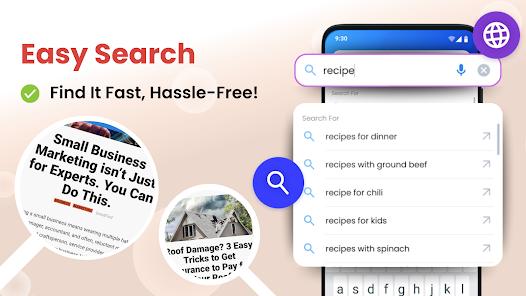
The app occupies a clear niche. Against the broader field of senior and accessibility launchers, its differentiator is bundling — big buttons and keyboard, high-contrast themes, an SOS button, voice feedback, and caregiver remote management in one interface, rather than making you assemble them. Against Android’s own built-in accessibility tools — font scaling, TalkBack, high-contrast text, magnification — the honest framing is that this app doesn’t do much the OS can’t technically already do; it just packages those capabilities into one simplified home screen instead of scattering them across settings menus that are themselves hard for the target user to navigate. If you’re comfortable configuring Android’s native accessibility features and mainly need larger text, you may not need a separate launcher; if you want one coherent, simplified phone instead of a stack of tweaks, that’s the case for this app.
A note on recency
The listing shows a recent update dated March 19, 2026 — a sign the app is actively maintained rather than left to drift, which matters for anything on a vulnerable person’s phone. The wider signals are strong (six screenshots, developer SwipeTap Apps, plus the 1M-plus installs and 4.5 rating across roughly 30,937 ratings noted above), and the reviews we’ve drawn on reflect documented recurring feedback, not a hands-on session of our own.
Our take
Big Keyboard: Easy Homescreen is a genuinely helpful accessibility launcher, and it earns its 4.5 reputation the honest way — oversized high-contrast buttons and keys, high-contrast themes, an SOS button, voice feedback, and caregiver remote management that users repeatedly credit with giving a parent or grandparent their independence back. We’d recommend it for seniors, low-vision users, and people with motor-control challenges who find standard Android too small or cluttered, and for the families setting those phones up. Two honest asterisks. First, the branded “2026” features — “Haptic Buffer Zones,” “high-quality AI voices,” and especially “Shielded Mode” — are the developer’s claims, and the scam-shield in particular should be treated as a helpful aid, never a guarantee that a senior is protected. Second, replacing the whole launcher is jarring at first, the setup usually needs a helper, and advanced Android settings are deliberately out of reach. It’s not for someone who wants full control over their customization, anyone uneasy about handing over the whole launcher, or a person with no one to help with that first setup. For the family giving a less tech-comfortable relative a phone they’ll actually keep using, though, it’s one of the better answers we can point to.
How We Evaluate
We did not hands-on test this app. This review is a desk assessment grounded in Big Keyboard: Easy Homescreen's Play Store listing and description, its stated feature set, the pros and cons in our app database, its FAQ, recurring themes across its user reviews, and its 4.5 aggregate rating from roughly 30,937 ratings alongside 1M+ installs, six screenshots, a March 19 2026 update, and its public reputation as a senior and accessibility launcher from developer SwipeTap Apps. Where we describe a strength or a limit, we trace it to those signals rather than to personal use. We want to be explicit that the branded "2026" capabilities — the "Haptic Buffer Zones" extended touch area, the "high-quality AI voices", and especially the "Shielded Mode" scam-protection feature — are the vendor's stated claims, which we attribute to SwipeTap Apps rather than assert as verified, and that no automated filter blocks every scam. The user-sentiment lines we cite reflect documented recurring feedback in the reviews, not personal sessions of our own.
Pros & Cons
Massive, high-contrast buttons eliminate navigation frustration.
Advanced keyboard with enlarged touch targets reduces typing errors.
Integrated 'Shielded Mode' protects users from mobile scams and clutter.
AI Voice-Feedback provides auditory confirmation for all actions.
Remote management features for caregivers and family members.
Full system launcher replacement simplifies the entire phone experience.
- ✕
Replaces the standard Android experience, which can be jarring at first.
- ✕
Setup requires some initial technical assistance for the target user.
- ✕
Limited access to advanced OS settings to maintain simplicity.
Download
 Get it on Google Play
  Get it on App Store
 FAQs
Will this slow down my smartphone?
No, the launcher is designed to be extremely lightweight and often speeds up older devices.
Can I still use other apps like WhatsApp?
Yes, you can add any installed app to the simplified home screen grid.
How do I go back to the normal screen?
You can change your default launcher back in the phone's settings at any time.
Is there an SOS button?
Yes, there is a prominent, one-touch SOS button that can call emergency services or a family member.
Does it work with voice commands?
Yes, it is fully integrated with Google Assistant and its own voice-feedback system.
Can I change the colors for better visibility?
Absolutely. There are several high-contrast themes including Yellow-on-Black and White-on-Blue.
Hot Reviews
My mother was about to give up her smartphone because she couldn't see the letters. This app changed everything. She's texting again!
I love that I can set this up for my grandfather and know he won't accidentally delete his apps or click on scam links.
I don't have the best vision, and these big keys are a lifesaver. I can finally type without hitting three letters at once.
I can manage the apps on my dad's phone from my own device. It saves us so much stress.
The voice-feedback is excellent. It's clear and helps me navigate when my eyes are tired.