MediBang Paint:Draw Art, Comic
A genuinely professional-grade drawing and manga studio that asks nothing up front — 180+ brushes, panel cutters, screentones, and layered PSD with CMYK export, all from a tablet. The trade-offs are real and worth knowing first: the free tier carries startup, banner, and transition ads, and local access to your own .MDP project files for manual backup is reserved for paid premium members.
- Manga and comic creators working on a tablet with a stylus who want genuinely professional tools — panel cutters, a 46+ screentone library, and 60 localized lettering fonts — without paying to start
- Illustrators who need print-ready output from a mobile device: multi-layer PSD export and CMYK color-space rendering, so final color conversion doesn't have to happen on a desktop
- Artists with a pressure-sensitive stylus (S-Pen, Wacom) who want a desktop-grade layer stack — Multiply, Screen, Overlay, Color Burn, clipping masks, layer masks, folder grouping — on a widescreen tablet
- Free users who can't tolerate startup, banner, and transition ads interrupting a drawing session — this is the single most common complaint in user feedback
- Artists who need local access to their own .MDP project files for manual backups to external storage without subscribing, since that access is premium-only
- Smartphone users — this is the tablet-optimized build, and MediBang Paint Mini is the dedicated small-screen variant
- Artists who relied on specific advanced texture brushes that users report are now behind the subscription, or who want to import custom Photoshop brushes (premium-only)
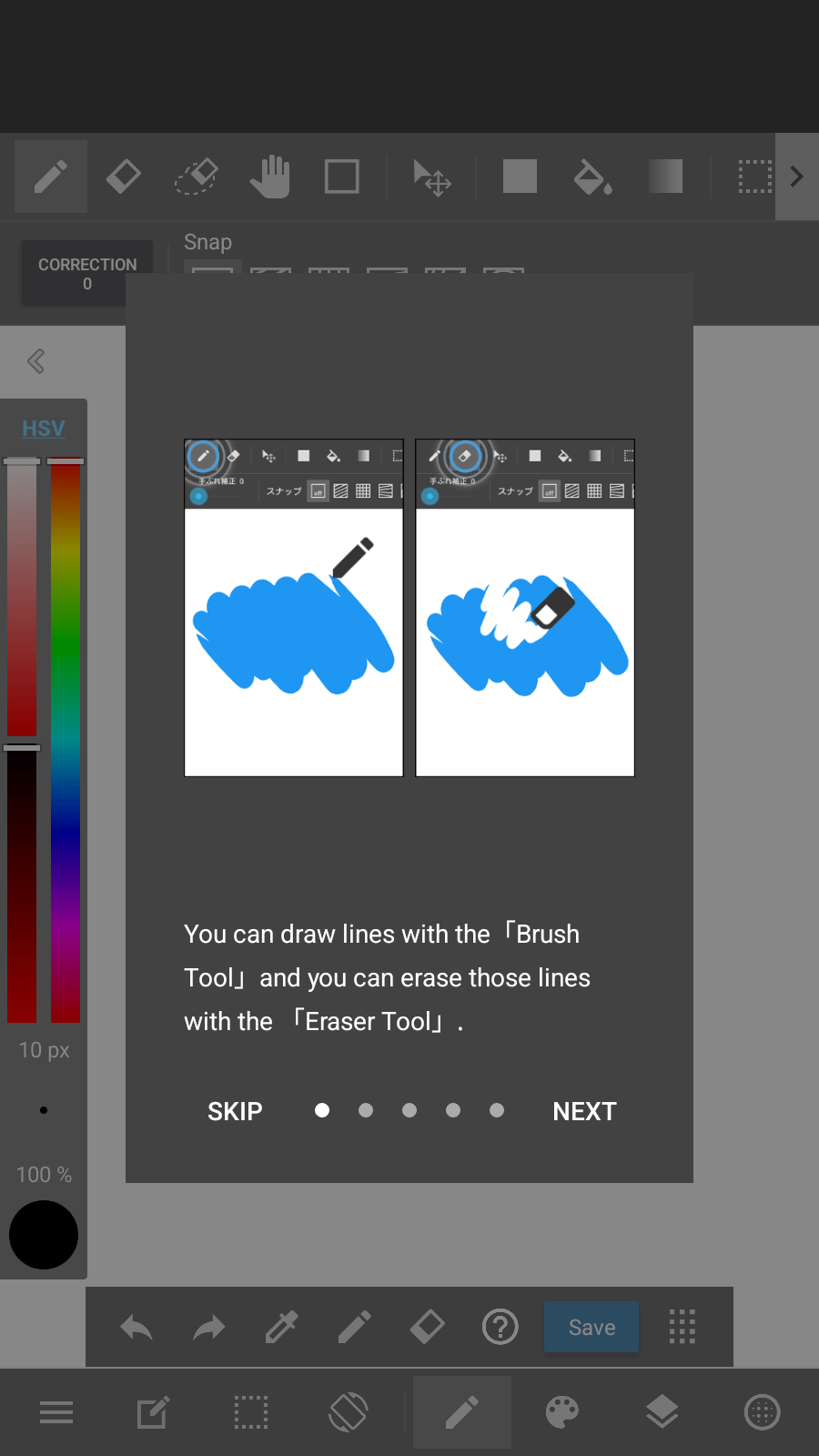
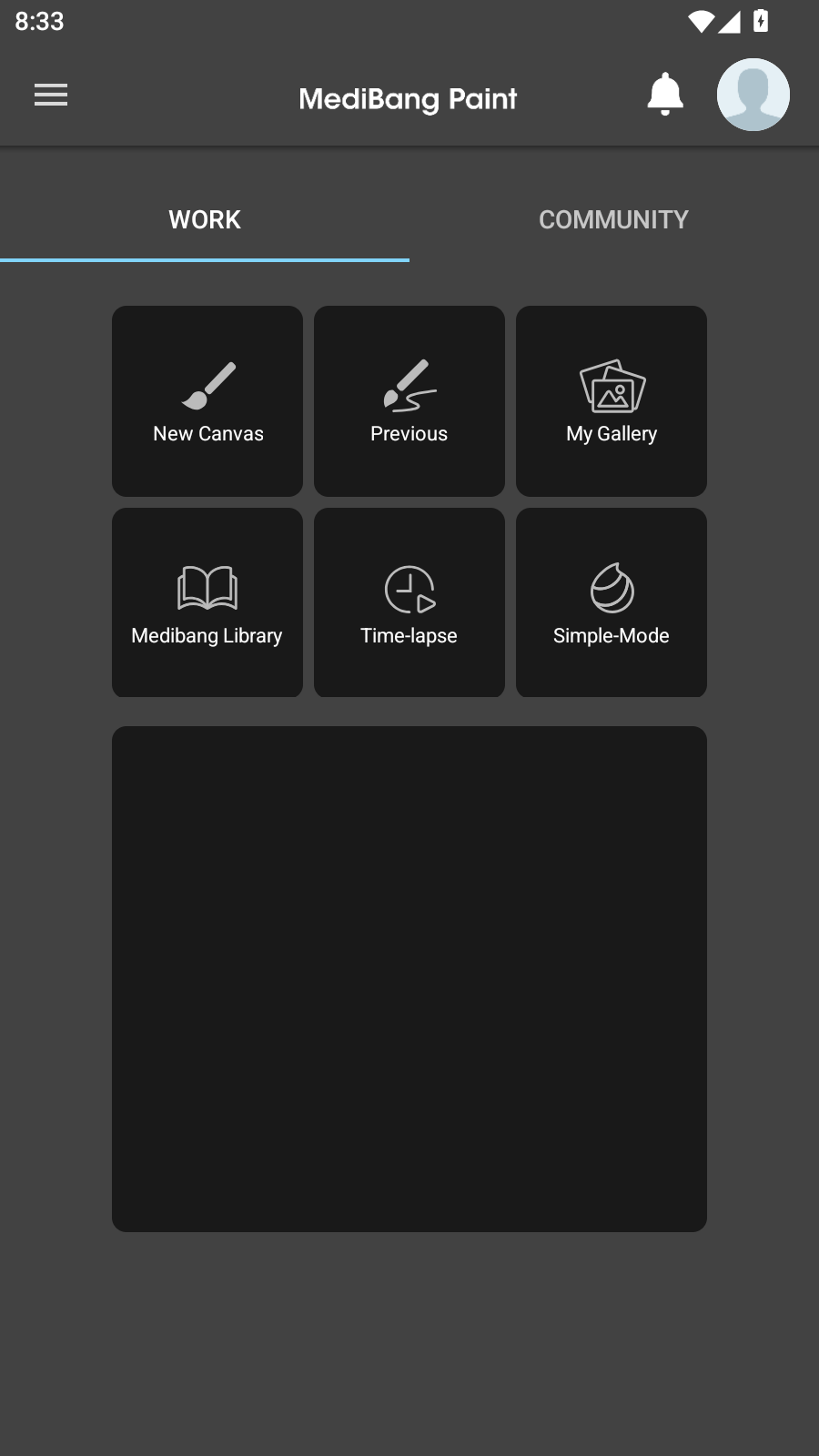
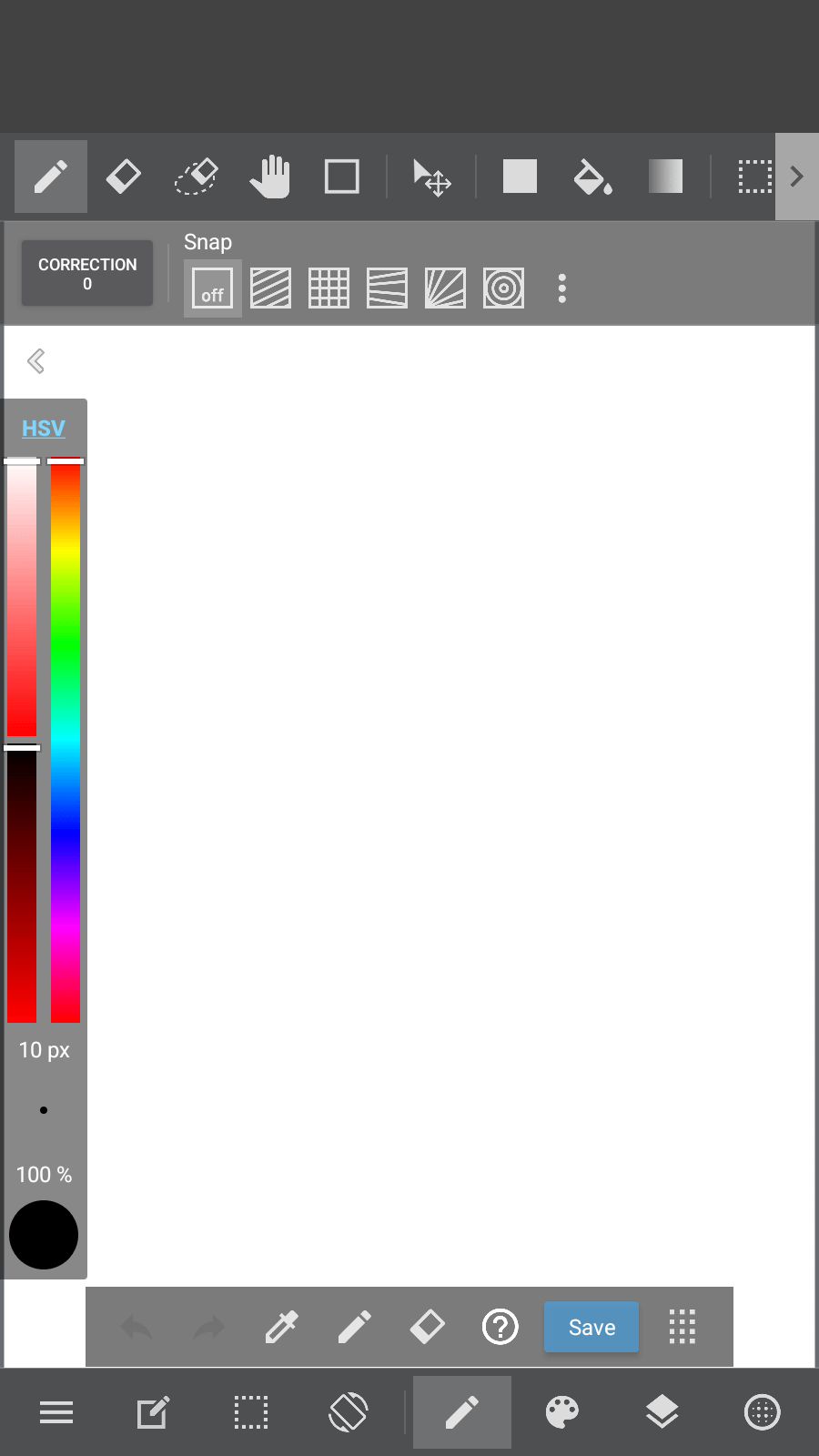
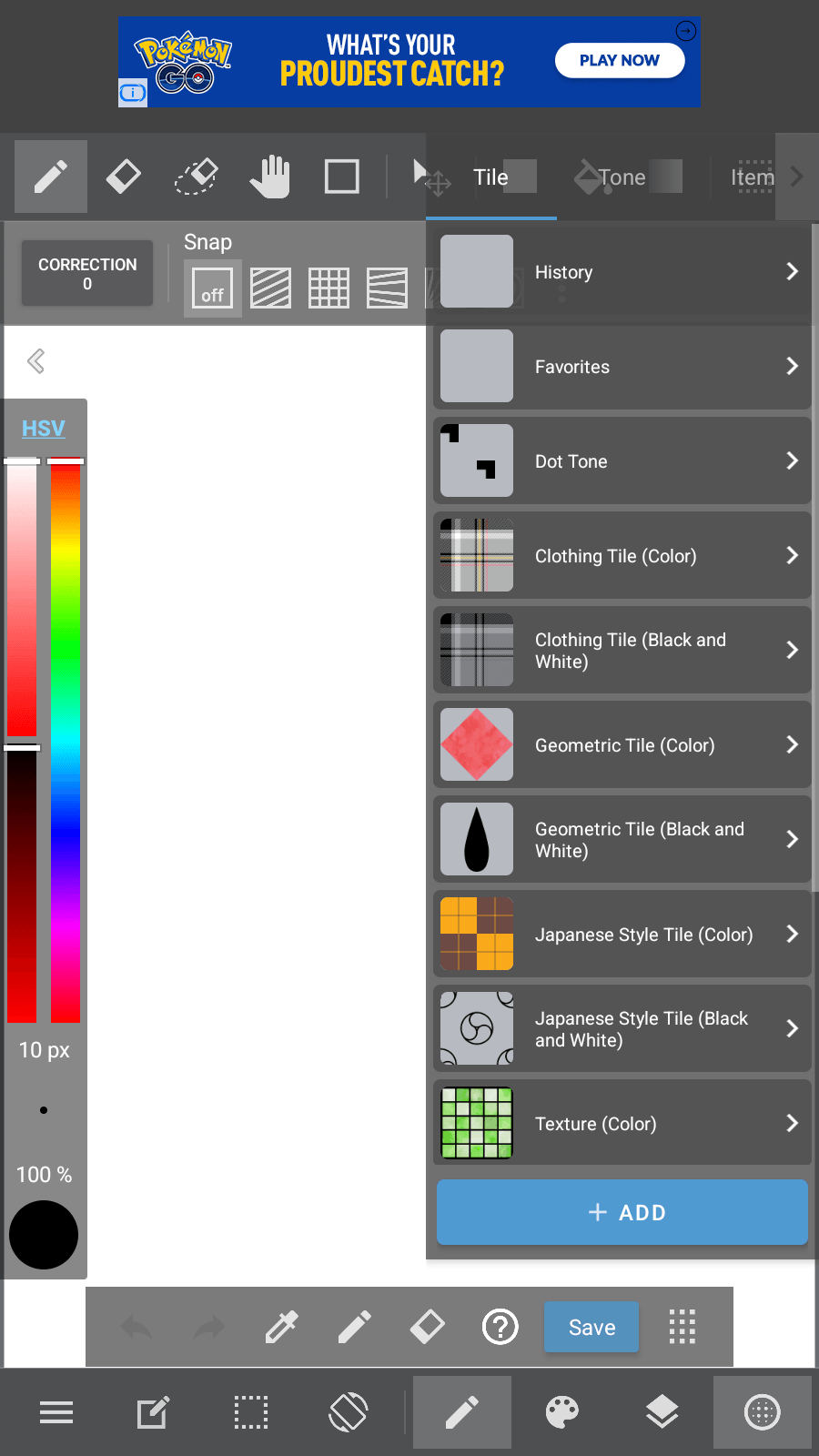
Overview
The pitch, and the gap in the score
Very few free apps will take you from a rough sketch to a print-ready CMYK file on a tablet and hand you a layered PSD on the way out. MediBang Paint does, which is why its 3.8 average across roughly 237,664 ratings is the most interesting number on the listing. That score isn’t what a tool this capable earns on features alone — and the gap between what the app can do and what its users rate it is the whole story here. Judging by the recurring themes in user feedback, most of that gap is monetization. We didn’t test this on a device; what follows is grounded in MediBang’s store material, our database’s recorded pros and cons, and the recurring themes in published user feedback.
A tablet-first workspace, and which version you actually want
Start with the buyer’s question, because it’s easy to get wrong. This is the tablet build, optimized for widescreen displays. If you’re on a phone, MediBang’s FAQ points you at a dedicated smartphone variant — MediBang Paint Mini — tailored for small screens. Installing the tablet version on a handset is not the intended fit, and choosing correctly here will color your whole experience of the app.
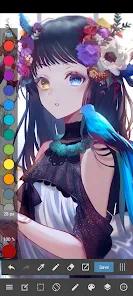
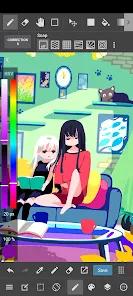
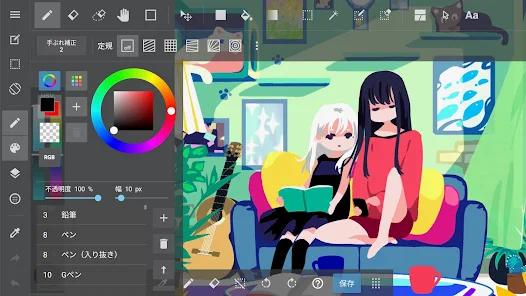
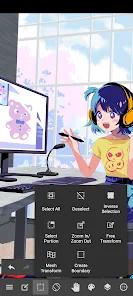
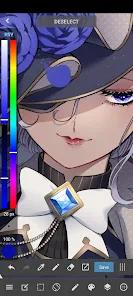
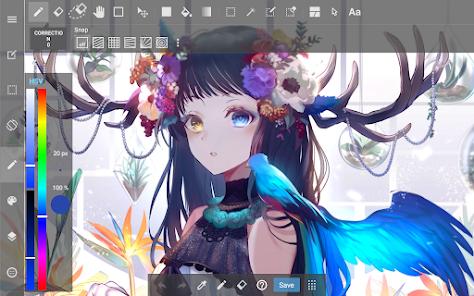
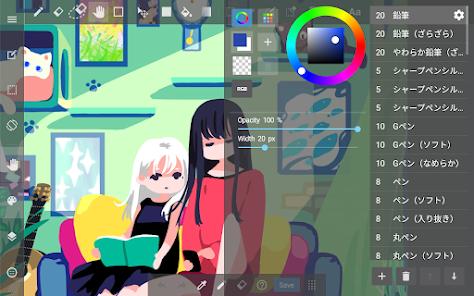
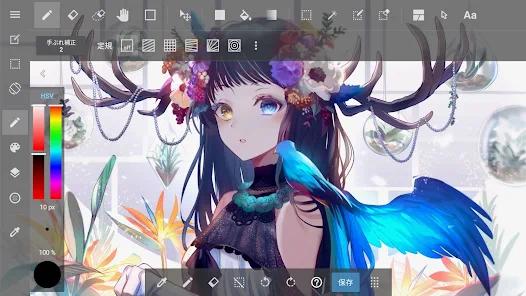
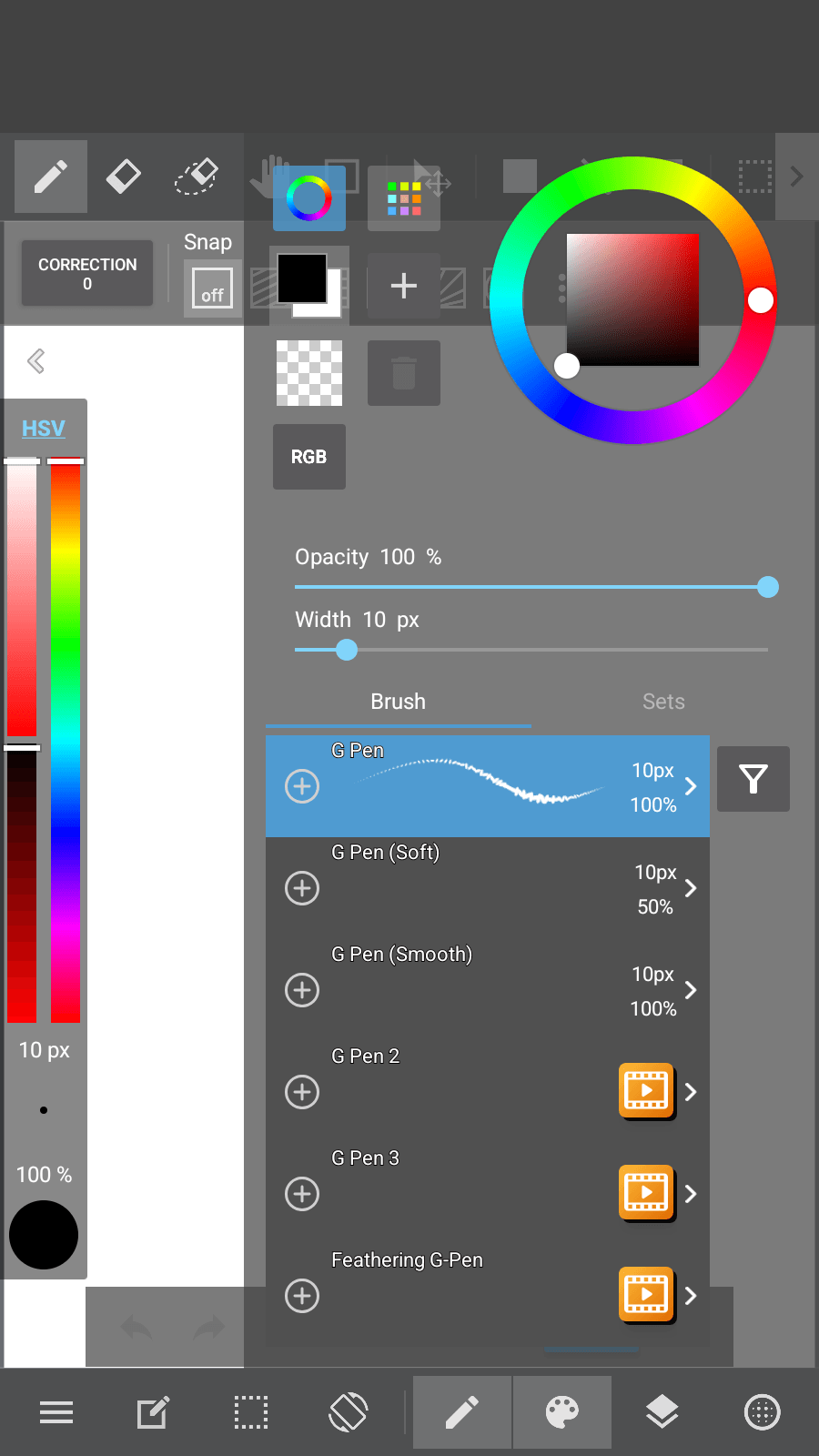
On the hardware it’s built for, the interface design is one of the things reviewers genuinely like. Sidebars, toolbars, and color wheels collapse away with touch gestures, so the canvas expands to fill the screen when you’re actually drawing. Users writing about the tablet experience describe the collapsible sidebars and clean drawing area as a real aid to focus — a small thing on a spec sheet, a larger one across a long drawing session.
The brush engine and the layer stack
Underneath sits an advanced raster rendering engine and 180+ default brushes — pencils, mapping pens, airbrushes, watercolor — covering the range most illustrators reach for without a single download. It integrates with pressure-sensitive stylus protocols including Samsung’s S-Pen and Wacom hardware, which is where a drawing app either earns its keep or doesn’t: pressure response is the difference between a stroke that tapers and a stroke that doesn’t.
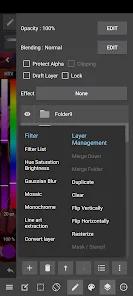
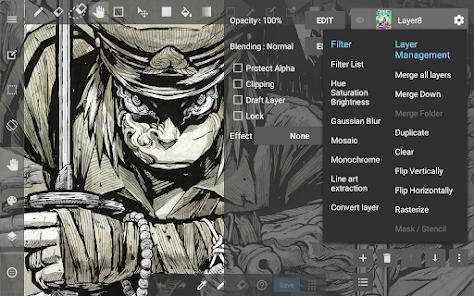
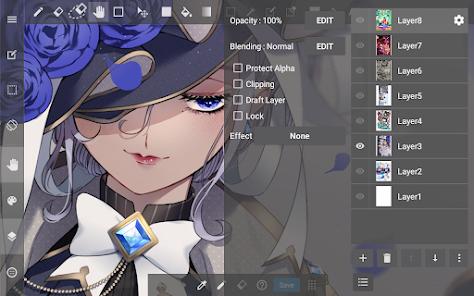
The layer model is the part that most clearly outclasses the app’s price. MediBang’s FAQ confirms a comprehensive set of blending modes — Multiply, Screen, Overlay, Color Burn — that matches what you’d expect from desktop software, plus non-destructive editing via clipping masks, layer masks, and folder grouping. If you’ve built a workflow on a desktop paint program, the concepts transfer directly rather than needing to be worked around. That’s rarer on mobile than it should be.
Built for manga, specifically
This is where MediBang stops being a general drawing app. The panel-cutting tool lets you generate multi-panel layouts by drawing cut lines to divide the canvas — you sketch where the gutters go and the app does the geometry. Manga creators in user reviews single this out, describing it as a fast way to storyboard without hand-drafting every panel border. Paired with a library of 46+ screentones and backgrounds and 60 localized fonts for dialogue lettering, it’s a purpose-built comic pipeline rather than a painting app with comic features bolted on.
The export story is the quiet headline
The feature we’d weigh most heavily is the least flashy: multi-layer PSD files and CMYK color-space rendering. Layered PSD means your work leaves the app in a format a print shop, a collaborator, or your own desktop machine can actually open with its structure intact. CMYK matters more than it sounds — it means an artist can prepare a print-ready illustration on a tablet without doing the final color conversion on a desktop at all. For anyone whose work ends up physically printed, that removes a step and a machine from the process. Rounding it out are built-in timelapse recording for capturing your process and the MediBang Library, which puts official tutorials, canvas templates, reference material, and community resources inside the app.
The monetization reality, stated plainly
Here’s the honest accounting, because it’s why the rating sits where it does.
First, the ads. Our database records the free tier as carrying highly intrusive startup, banner, and transition advertisements, and this is the most consistent theme in free-user feedback: reviewers report frequent pop-ups interrupting sketching, which makes the free tier feel less usable for continuous work. Ads are a reasonable way to fund a free tool, but a drawing session is a concentration task, and interruptions cost more here than they would in a utility you open for thirty seconds.
Second — and this is the point we’d want a prospective user to read twice — accessing your locally stored project files in MediBang’s .MDP format for manual backup is restricted to paid premium subscribers. We’ll state that factually and let you weigh it: users criticize updates that placed local device access to .MDP files behind premium membership, which complicates manual backups to external storage. Whether that’s an acceptable condition depends entirely on how you work. If you back your art up by copying files somewhere yourself, it’s a direct constraint on your practice, and you should know about it before you build a portfolio inside the app.
Third, our database notes that many advanced texture brushes that were previously free are now locked behind subscription paywalls. That’s a feature-regression complaint from users rather than an observation about MediBang’s intent, and we’d frame it that way — but it does mean older guidance about what the free tier includes may not describe it today. Relatedly, importing custom Photoshop brushes is a premium-member capability, not a free one.
The last rough edge is smaller and purely practical: the file organization gallery can feel slow and clunky once you’re carrying a large volume of local files. Easy to shrug off early on; more of a drag as a body of work piles up inside the app.
How it compares
MediBang’s listing doesn’t name the rivals it wants to be measured against, and we won’t invent a scorecard against apps we haven’t held to the same evidence. Take this as a description of the offer rather than a ranking. The argument is straightforward on its own terms: the panel cutter, the screentones, the blending modes, the masks, and the PSD-plus-CMYK export are all there without a purchase or a subscription to begin, and a manga production line with print-ready output is the specific shape of it. The fair qualifier is the one above: “free” here means free to draw, with ads, and with your own project files’ local access and some texture brushes sitting on the paid side. That’s a materially different offer than free-and-unrestricted, and whatever you compare it to, the comparison only works if you price that in.
A note on recency
We’ll be straight about a limitation: Google Play’s listing as we have it does not surface a “last updated” date, so we’re not going to guess at one. What we can say is that the signals around it are those of a large, established product — 10M+ installs, a 3.8 average across roughly 237,664 ratings, 11 screenshots, from developer MediBang Inc., a known name in free manga tooling. A 3.8 is modest for software this capable, and the user themes we can see suggest the score is tracking the monetization changes rather than the drawing engine. That’s the tension worth carrying into your decision.
Who it’s not for
Skip this if you’re a free user who can’t work through startup, banner, and transition ads — that friction is documented and consistent, and creative flow is exactly what it interrupts. Skip it if you need local access to your own .MDP files for manual backups and don’t intend to subscribe. Skip it if you’re on a phone: MediBang Paint Mini is the variant built for you. And if your workflow depended on specific advanced texture brushes that users report have moved behind the subscription, or on importing custom Photoshop brushes, verify what’s actually included before you commit a project to it.
Our take
We land on 3.9 and a situational recommendation, and both halves are deliberate. The capability is not in question: 180+ brushes, real stylus pressure, desktop-grade blending modes and masks, a panel cutter that manga artists rate highly, 46+ screentones, 60 lettering fonts, timelapse, a tutorial library, and layered PSD with CMYK export from a tablet. For a manga or comic creator with a stylus and a widescreen tablet, that’s an unusually generous offer at zero cost, and we’d point that person here without hesitation. We hold back from a broader recommendation because the conditions attached are ones you feel daily rather than once: ads that interrupt the exact activity the app exists for, and a premium gate on locally accessing the files you made. If you’re comfortable subscribing, most of this review’s caveats dissolve and the app is excellent. If you’re not, go in knowing precisely what the free tier is — and isn’t.
How We Evaluate
We did not conduct hands-on device testing of this app. This review is grounded in MediBang Inc.'s own Google Play listing and description, its stated feature set (the collapsible tablet interface, the advanced raster rendering engine and its 180+ default brushes, stylus pressure support for S-Pen and Wacom, the comic panel-cutting tool, the 46+ screentone library, 60 localized fonts, multi-layer PSD and CMYK export, timelapse recording, and the MediBang Library), its listed FAQ, the pros and cons recorded in our database, the recurring themes in published user reviews, its store signals (a 3.8 average across roughly 237,664 ratings, 10M+ installs, and 11 screenshots), and the app's public reputation as MediBang Inc.'s free manga and illustration tool. Google Play does not surface a "last updated" date on this listing, so we make no claim about the recency of the most recent build. Where we cite user sentiment, we're reflecting documented recurring feedback rather than personal drawing sessions.
Pros & Cons
Features a collapsible tablet interface that maximizes the active drawing area.
Includes built-in comic panel cutters and a library of screentones for manga production.
Offers over 60 localized fonts for professional dialogue lettering.
Supports industry-standard publishing formats, including multi-layer PSD files and CMYK color profiles.
Provides high compatibility with active styluses, offering responsive pressure-sensitive inputs.
Includes built-in timelapse recording to help artists capture and share their drawing process.
- ✕
Free tier contains highly intrusive startup, banner, and transition advertisements.
- ✕
Accessing locally stored project files (.MDP format) for manual backup is restricted to paid premium subscribers.
- ✕
Many advanced texture brushes that were previously free are now locked behind subscription paywalls.
- ✕
The file organization gallery can feel slow and clunky when managing a large volume of local files.
Download


FAQs
Can a user run this tablet version of MediBang Paint on a standard smartphone?
While the tablet version is optimized for larger displays , MediBang offers a dedicated smartphone variant called MediBang Paint Mini, which features an interface tailored for smaller screens.
Does the application support layer blending modes?
Yes. The app provides a comprehensive range of layer blending modes, including Multiply, Screen, Overlay, and Color Burn, matching desktop drawing software.
Is it possible to import custom Photoshop brushes into MediBang Paint?
Yes. Premium members can import custom brush patterns and shapes, allowing artists to expand their brush libraries with custom tools.
Does the application support non-destructive editing layers?
Yes. The software supports clipping masks, layer masks, and folder grouping, allowing artists to perform complex edits without permanently altering their base drawings.
What is the purpose of the MediBang Library within the app?
The MediBang Library provides users with direct access to official tutorials, canvas templates, reference materials, and community drawing resources.
Hot Reviews
Widescreen tablet users appreciate the collapsible sidebar panels, noting that the clean drawing area helps improve their focus.
Free users report that frequent pop-up ads can disrupt the sketching process, making the free tier feel less usable for continuous work.
Manga creators praise the panel cutting tool, stating that it allows them to quickly sketch out storyboards without manual line drafting.
Reviewers criticize updates that place local device access to .MDP files behind a premium membership, complicating manual backups to external storage.