
Holy Bible King James + Audio
A rare thing in a category ruled by subscriptions: a deep, genuinely offline study Bible that asks for a single $1.99 to remove ads and nothing on a recurring basis. The honest trade-off is that the free base is the KJV, with modern translations and the marquee study Bibles sold as separate one-time add-ons — and the recent redesign added a little navigation friction that longtime users have noticed.
- People who want a serious, fully offline study Bible — the whole KJV text, a Strong's Concordance, and their own notes all stored locally for fast lookups with no connection
- Note-takers and sermon- or study-prep users who want nested folders, rich-text formatting, quick-paste of active verses, and synchronized split-screen to compare translations or read commentaries in lockstep
- Anyone tired of subscription Bible apps who'd rather pay a one-time $1.99 to go ad-free and own premium resources individually
- Readers who specifically want a modern translation as the free default — the free base is the KJV, and modern versions are paid add-ons
- Anyone who finds gamified reading streaks distracting in a devotional app, or who needs several premium study Bibles and doesn't want to buy them one resource at a time
- Tablet users hit by the redesign's keyboard-overlap issue
Overview
The pitch, and why it stands out
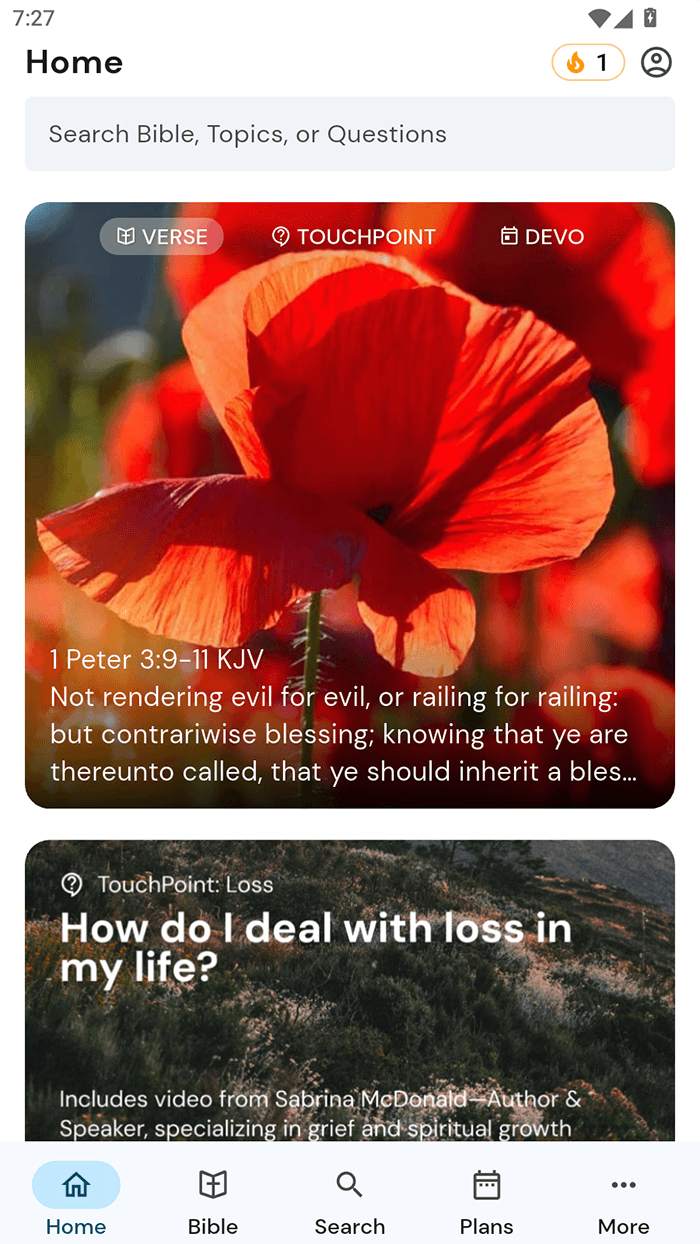
Most Bible apps in 2026 open with a subscription wall. Tecarta’s Holy Bible King James + Audio opens with a single banner ad on the home screen and a one-time $1.99 button to remove it for good — and that difference, more than any one feature, is why we think this one is worth a serious look. Underneath the modest pricing sits a study engine deeper than the free tag suggests: the entire KJV text, a full Strong’s Concordance, and your personal notes all stored locally, so the app does its most useful work with the connection switched off. We didn’t test it on a device, but the store material and user reviews point to a tool built for people who actually study.
An offline study engine, not just a reader
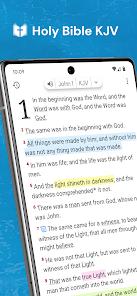
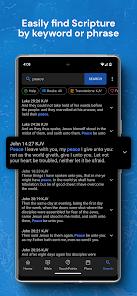
The app treats the 1611 KJV as a fast local database rather than a static ebook. Tecarta’s description leans on that framing — the text becomes a relational database for instant index queries and keyword lookups — and the practical payoff is speed. Search runs locally, chapter transitions are quick, and none of it waits on a network. The FAQ is explicit that the KJV text, your notes and bookmarks, and the Strong’s data all operate fully offline; the internet is only needed for audio streaming or cloud sync. For anyone who reads where signal is unreliable, that’s a meaningful design decision rather than a checkbox.
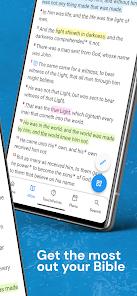
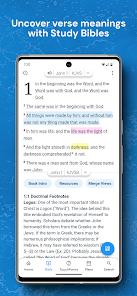
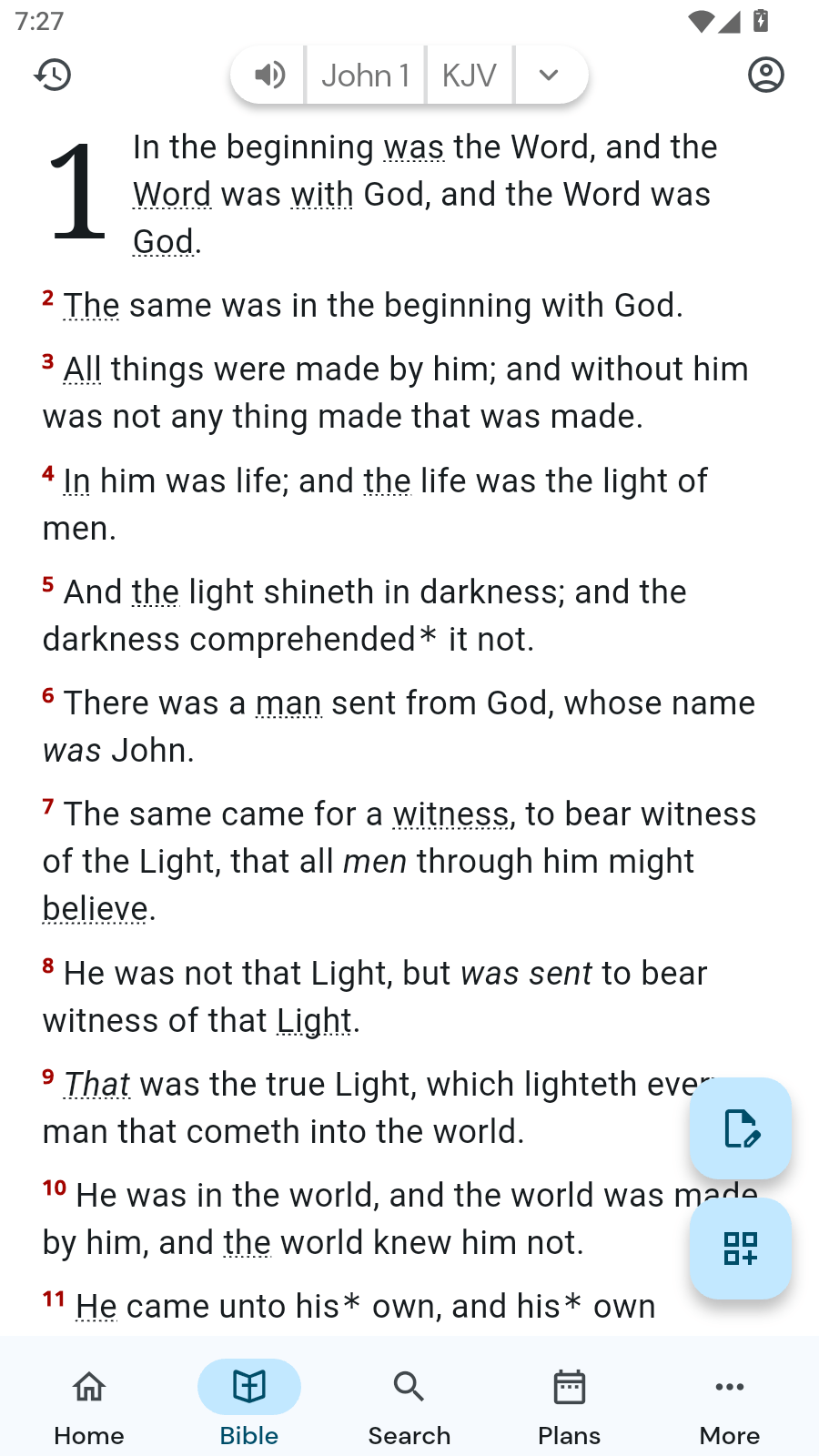
The Strong’s integration is the part reviewers single out most. Words carrying an original-language mapping appear with a dotted underline; long-press one and the app surfaces its Greek or Hebrew lemma, the root definition, and cross-references — a full word study without leaving the verse or opening a connection. One user calls it “an excellent replacement for heavy physical reference books,” praising the smooth chapter transitions and instant definition lookups — a fair summary of what the concordance layer is for, and the app’s clearest argument for itself.
Navigation, reading modes, and split-screen
Tecarta gives you four ways to move through the text — a scroll wheel, a three-tap matrix, a two-tap shortcut, and keyboard entry — more navigation systems than most reading apps bother with. A double-tap triggers an immersive reading mode that hides the status and navigation bars to cut clutter and eye strain. The abundance of options is a strength for power users, though it’s also part of why the interface can feel busy, a point we’ll come back to.
The feature we’d most want if we prepped lessons is the synchronized split-screen. You can put two translations side by side, or set scripture next to a commentary — the Life Application Study Bible and the MacArthur Study Bible are the examples Tecarta names — and the two panes scroll in lockstep. Comparing renderings, or reading notes against the text without losing your place, is exactly what a desk full of open books does poorly and a good app does well.
Notes built for real study
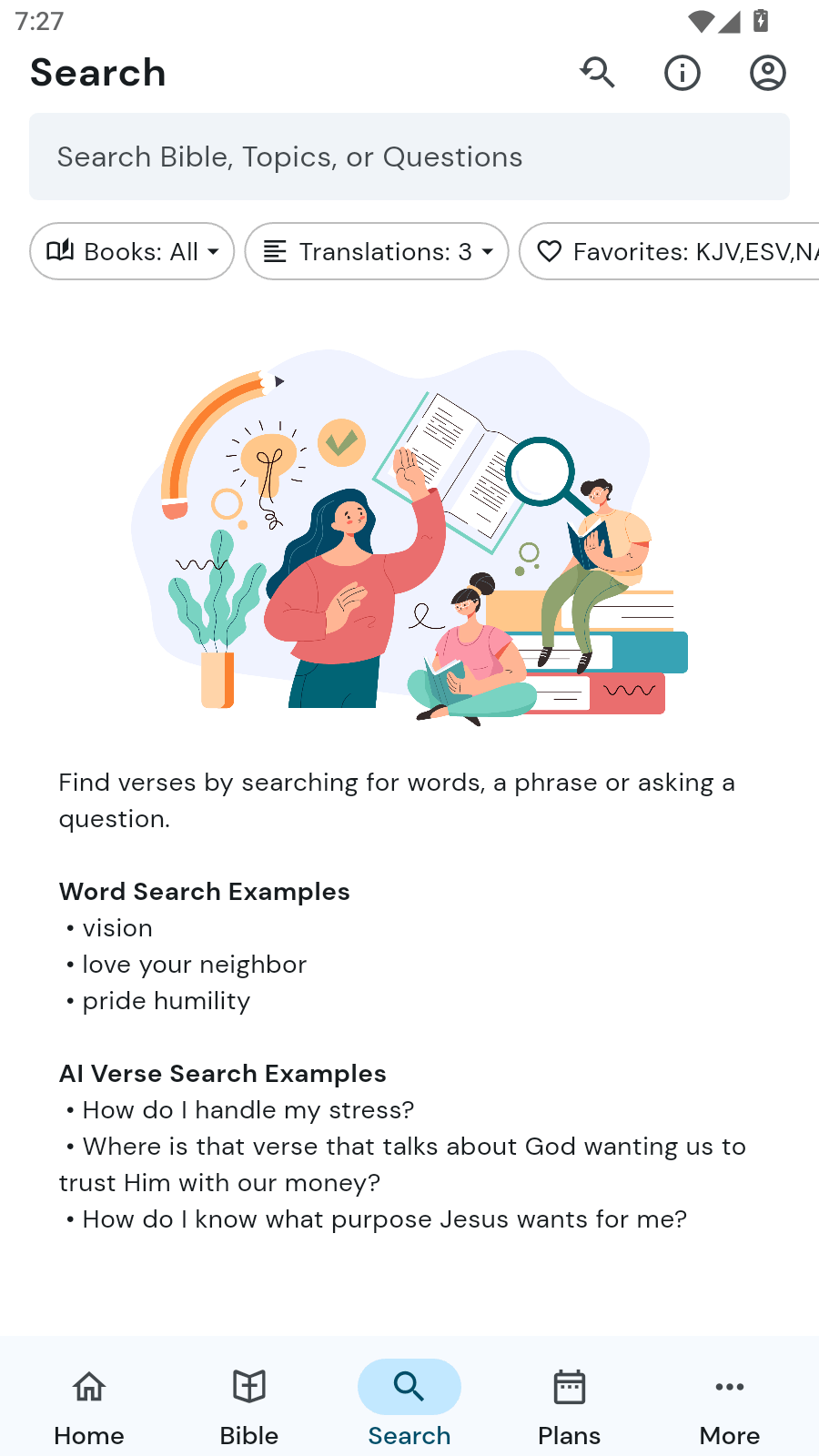
The note system is more serious than the tap-to-highlight tools most apps ship. It’s a hierarchical, nested-folder structure with a rich-text editor — bold, underline, indenting, bullets — plus a “quick-paste” tool that pulls the active verses straight into your notes. For sermon prep or structured study, that combination matters: you can organize by folders, format an outline, and drop in the passage you’re working from without retyping it. Highlights now span multiple verses and sync to the cloud, and search reaches across more than 40 translations at once for anyone who owns them. A free TecartaBible.com account backs all of it up and syncs notes, highlights, and purchases across devices, which is a generous inclusion given that plenty of competitors gate cross-device sync behind a paid tier.
Audio that earns its praise
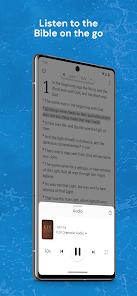
The audio side is a genuine highlight. Alongside a text-to-speech reader, the app offers dramatized narration, and an auto-scroll engine keeps the on-screen text synced to whichever you’re listening to. Reviewers describe the dramatized voice work as clear and easy to follow, and call it out as helpful for visually impaired readers and for listening on the go — an accessibility win that’s easy to overlook. A toggleable “Red Letter” format for the words of Christ rounds out the reading presentation for those who want it.
The monetization reality, stated plainly
Here’s the honest accounting, because it’s the app’s biggest selling point and its most important caveat at the same time. The free version is genuinely usable: one non-intrusive banner on the home screen, with the reading interface itself kept clean, and a one-time $1.99 in-app purchase removes the ad permanently. There’s no subscription. Users notice — one calls the one-time $1.99 “a refreshing alternative to subscription models,” and we agree that’s the right way to describe it in a category where recurring fees are the norm.
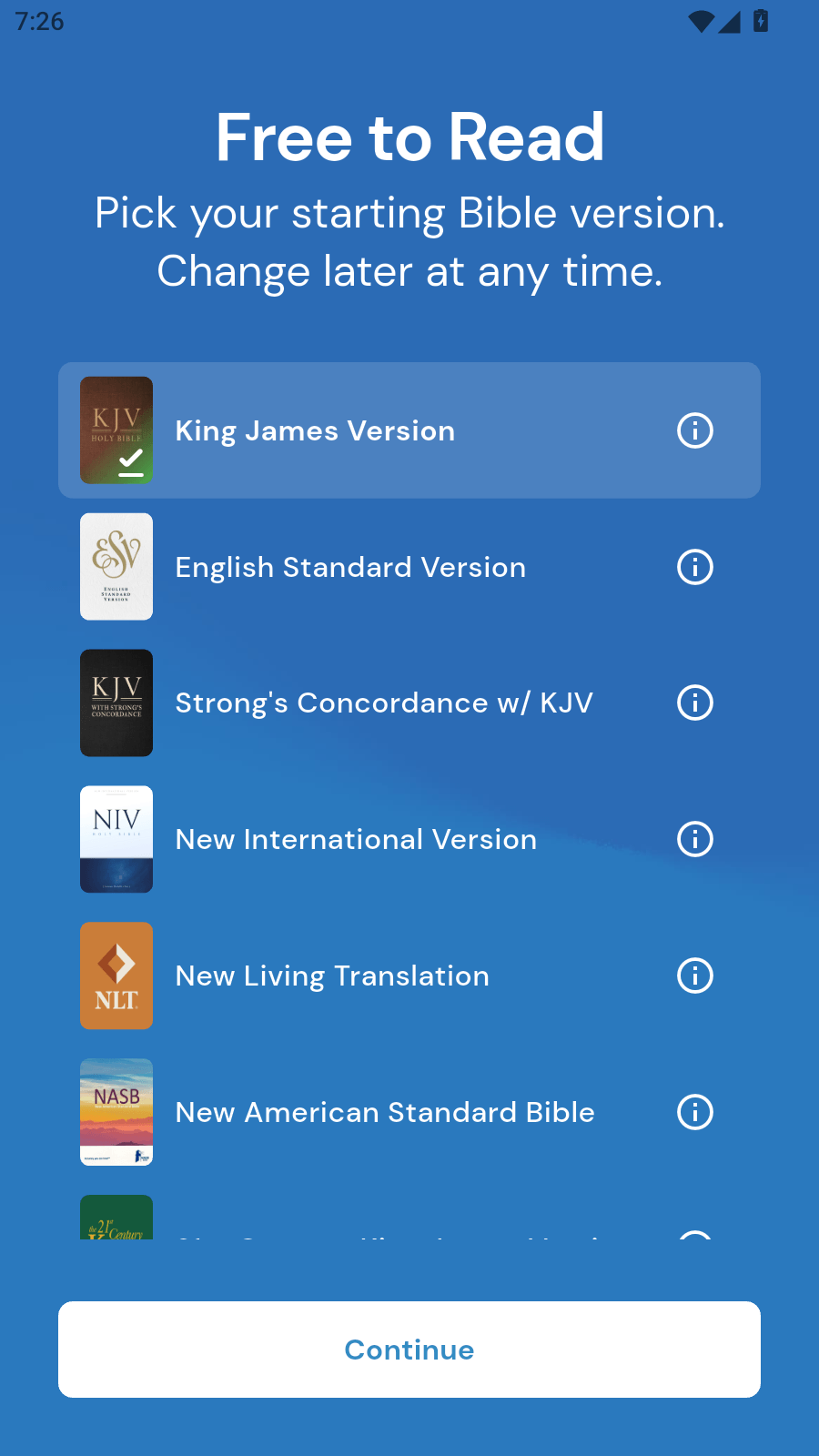
The caveat is that the free base is the KJV, and the app’s premium resources are sold separately as individual purchases. The marquee study Bibles — the ESV Study Bible, the MacArthur Study Bible — sit behind their own paid in-app purchases, as do modern copyrighted translations. That’s a defensible model; those texts and notes are licensed works, and buying them once beats renting them. But it does mean the “free” headline comes with an asterisk: if the resources you specifically want are premium, you’ll be paying per resource on top of the base app. Anyone expecting a modern translation or famous study Bible to be free should reset that expectation before installing.
The rough edges
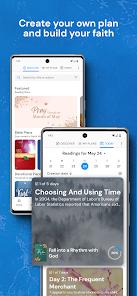
A few things temper the recommendation. The reading streaks Tecarta recently added are, for some users, the wrong fit for a devotional app — a gamified counter can feel clinical or distracting if what you want is a quiet, contemplative read. The recent UI overhauls are the more concrete issue: they introduced occasional keyboard-overlap problems on some tablets and, per user reviews, moved a few previously single-tap actions behind extra sub-menus. One review sums up the sentiment plainly — some simple features now require multiple sub-menus after the redesign. It’s friction rather than breakage, but it’s real, and longtime users feel it most. Finally, the dramatized audio isn’t free of trade-offs: downloaded, it needs significant local storage; streamed, it needs steady data — a fact to plan around rather than a flaw.
How it compares
Set against the subscription-driven Bible apps that dominate the category, Tecarta’s differentiators are two: the one-time-purchase model and the depth of the offline study engine. Where a subscription app rents a bundle that lapses when you stop paying, this one lets you own the app ad-free for $1.99 and buy resources you keep. The offline Strong’s word studies, local search, and locally stored notes are also a step beyond what many cloud-first competitors offer without a connection. The fair qualifier is that the comparison isn’t total: premium study Bibles and modern translations are still paid add-ons here, so the honest framing is “own what you buy, one purchase at a time” rather than “everything included.”
A note on recency
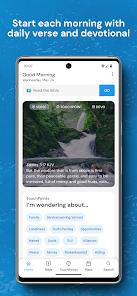
This is an actively maintained app. Google Play lists it as updated April 3, 2026, with 1M+ installs and a 4.8 average across roughly 126,000 ratings, presented with eight screenshots from developer Tecarta, Inc. A score that high across that many votes signals broad satisfaction; the recent additions — reading streaks, redesigned onboarding, and cloud-synced multi-verse highlights — show the team is still investing, even if the redesign is also the source of the navigation grumbles above.
Who it’s not for
Skip this one if you want a modern translation as your free default — the free base is the KJV, and modern versions are paid add-ons. It’s also a poor fit if gamified reading streaks strike you as out of place in a devotional app, or if you need several premium study Bibles and would rather not buy them one at a time. And if you’re on a tablet caught by the redesign’s keyboard-overlap issue, that’s worth weighing before you commit.
Our take
We’d recommend it, and the 4.5 we’re landing on reflects both the strength and the caveats. The pitch is unusually honest for the category: a capable, fully offline study Bible — KJV text, Strong’s Concordance, serious note-taking, synchronized split-screen, and well-liked dramatized audio — that asks for a single $1.99 to go ad-free and nothing on a recurring basis. We hold back the last half-point for reasons worth knowing in advance: the resources many people actually want, from modern translations to the big-name study Bibles, are separate paid purchases; the streaks won’t suit every reader; and the recent redesign traded a little navigational simplicity for its new look. None of that undercuts the core value. For a reader who wants an ownable, offline-first study tool and doesn’t mind that the KJV is the free foundation, it’s an easy app to keep on your phone.
How We Evaluate
We did not conduct hands-on device testing of this app. This review is grounded in Tecarta's own Google Play listing and description, its stated feature set (the local KJV database, Strong's Concordance cross-linking, the four navigation systems and immersive reading mode, synchronized split-screen, the nested-folder note engine, dramatized audio and text-to-speech, and free cloud sync), its listed FAQ, its store signals (a 4.8 rating across roughly 126,000 ratings and 1M+ installs), the recurring themes in published user reviews, and the app's public reputation as a well-regarded scripture-reading and study tool from Tecarta, Inc. We evaluate the app — its features, usability, and monetization — not the text it presents or anyone's faith. Where we cite user sentiment, we're reflecting documented recurring feedback in the store material rather than personal reading sessions.
Pros & Cons
Offline Database Performance: Keeps the entire KJV text, Strong's Concordance, personal notes, and bookmarks locally on the device for fast, offline access.
One-Time Ad Removal: Replaces predatory monthly subscription models with an affordable, one-time payment of $1.99 to remove ads permanently.
Synchronized Split-Screen View: Allows concurrent rendering of two Bible translations or a single text alongside scholarly commentaries in synchronized scrolling lockstep.
Hierarchical Note Management: Allows notes and bookmarks to be organized into nestable folders, offering a clean setup for academic or thematic studies.
Granular Text Formatting: Features a rich-text editor that supports bolding, underlining, bulleted lists, and a "quick-paste" tool for sermon note-taking.
Robust Multi-Translation Search: Searches over 40 translations simultaneously to locate specific verses quickly, rather than restricting searches to a single version.
- ✕
Premium Study Bibles Gated: Access to popular study resources (such as the ESV Study Bible or MacArthur Study Bible) requires separate, paid in-app purchases.
- ✕
Streak-Tracking Fatigue: The inclusion of gamified reading streaks can feel overly clinical or distracting for users looking for a contemplative experience.
- ✕
Visual Interface Overlap: Recent UI overhauls have introduced occasional keyboard overlapping issues on select tablet models.
- ✕
Audio Streaming Costs: High-quality dramatized audio files require significant local storage if downloaded, or steady data usage if streamed online.
Download
 Get it on Google Play
  Get it on App Store
 FAQs
Does the Tecarta KJV application require an active internet connection?
No, the core King James Bible text, local notes, bookmarks, and Strong's Concordance operate fully offline. An internet connection is only needed to stream audio or sync data with a cloud account.
How does the application prevent data loss during device migrations?
Users can sign up for a free account on TecartaBible.com to automatically back up and sync their notes, highlights, and purchases across multiple devices.
How are Strong's Concordance definitions accessed inside the reading pane?
Users can long-press on dotted-underlined words or superscript letters to immediately reveal the underlying Greek/Hebrew lexical definitions and cross-references.
Does the audio player include automated reading sync?
Yes, the app features a Text-to-Speech tool and dramatized audio narratives that can read the text out loud while utilizing an auto-scroll engine to keep the text in sync with the narration.
Are the words of Jesus Christ visually distinguished in this KJV translation?
Yes, the application incorporates a traditional "Red Letter" format that users can toggle on or off in the display settings.
Hot Reviews
The app provides smooth transitions between different chapters, instant definition lookups, and clear cross-references. It serves as an excellent replacement for heavy physical reference books.
The dramatized voice narration is clear and easy to follow, making it a great tool for visually impaired readers or anyone who prefers listening on the go.
Recent navigation updates have received some criticism, with some users noting that simple, single-tap features now require navigating through multiple sub-menus.
The option to pay a one-time fee of $1.99 to remove ads is a refreshing alternative to the subscription models common in most modern apps.