PDF Reader - PDF Viewer
Overview
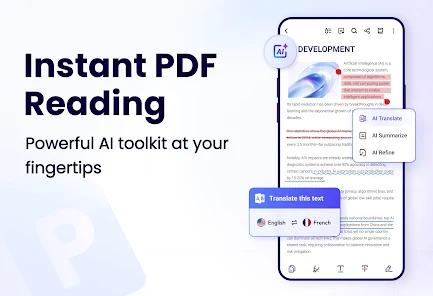
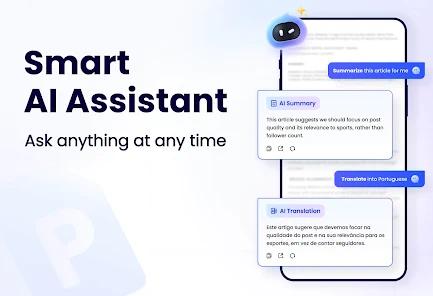
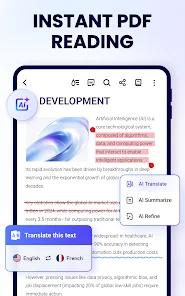
The "PDF Reader - PDF Viewer, A+ Read" application, is a next-generation productivity tool that leverages artificial intelligence to revolutionize document interaction. Unlike traditional static viewers, this application integrates an AI Assistant that can summarize lengthy articles, create mind maps, and translate PDFs into multiple languages instantly. This shift from passive document viewing to active content synthesis makes it a vital tool for the modern academic and professional environment.
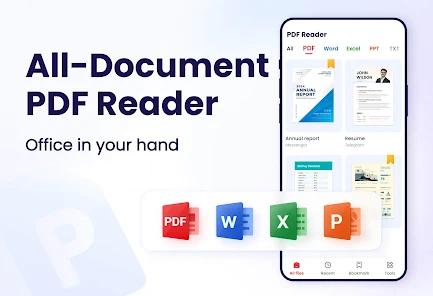
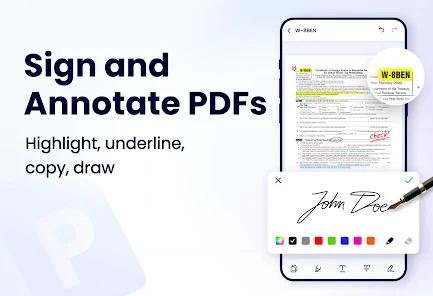
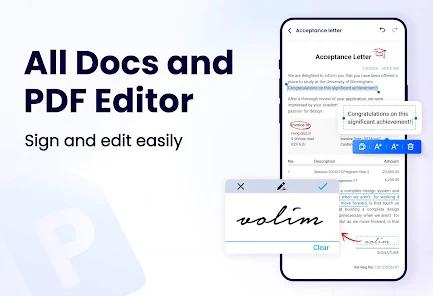
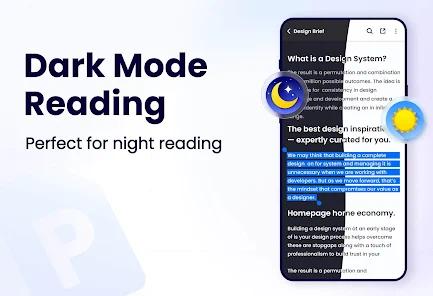
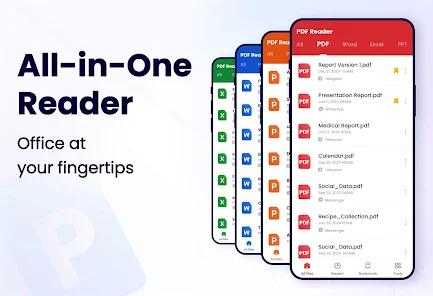
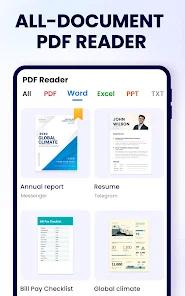
The application’s functional breakdown is comprehensive, covering the entire lifecycle of a document. It supports viewing of PDF, Word, Excel, and PPT files, offering features like dark mode, color inversion, and a "reflow mode" for comfortable reading on small screens. Its editing suite is equally robust, allowing users to add text, highlight key points, sign documents, and fill in forms directly. One of the most insightful features is the "AI Read Aloud," which utilizes lifelike voices to convert documents into audio, facilitating multitasking or supporting users with visual impairments.
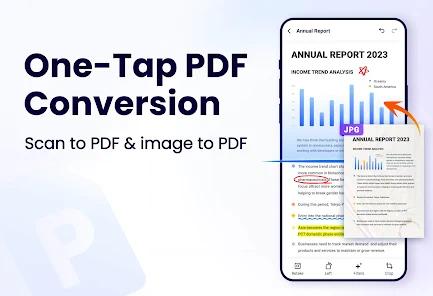
Technically, the app is optimized for speed, featuring an "auto-search" function that displays all document files on a device in a centralized, manageable list. It also includes a sophisticated converter that can turn images into high-quality PDFs and vice versa. While the app is free to download, it operates on an ad-supported model, which some users have found to be somewhat intrusive during complex tasks.
Pros & Cons
Advanced AI Assistant: Features tools for summarizing, translating, and chatting with documents to extract key data.
All-in-One Viewing: Supports a wide range of office file types including Excel, Word, and PowerPoint.
Lightweight Footprint: At only 12MB, it offers a massive feature set without consuming significant system storage.
Robust Conversion Tools: Effectively converts between Image, Word, and PDF formats with high fidelity.
Comprehensive Manager: Allows for merging, splitting, and password-protecting documents within a single interface.
Lifelike Text-to-Speech: Provides high-quality AI voices for reading documents aloud in multiple languages.
- ✕
Intrusive Advertising: The free version contains frequent ads that can interrupt the document editing or reading process.
- ✕
Privacy Considerations: While it claims no data sharing, some users express caution regarding the permissions required for AI processing.
- ✕
Third-Party Ad Links: Some advertisements within the app promote competing PDF tools, which can lead to accidental clicks.
Download
 Get it on Google Play
  Get it on App Store
 FAQs
How does the AI Assistant help me study?
The AI can generate abstracts, extract key points from long papers, and answer specific questions about the document's content, saving hours of reading time.
Can I use this app to sign a contract?
Yes, the application includes an "e-signature" tool that allows you to easily sign PDF documents directly on your smartphone screen.
Is it possible to convert my photos into a PDF?
Absolutely. The built-in converter can turn individual photos or entire batches into a single, professional-grade PDF file.
Does the app work offline?
Most viewing and editing tools work offline. However, the advanced AI Assistant features usually require an active internet connection for processing.
How do I protect a confidential document?
You can set a password on any PDF file within the manager section to ensure that only authorized individuals can open it.
Hot Reviews
Graduate students frequently praise the AI summary tool, noting that it helps them filter through hundreds of research papers to find the most relevant data quickly.
Users have highly recommended the app for its "Image to PDF" feature, specifically mentioning that it handles large batches of high-resolution photos without crashing.
A common theme in critical reviews is the frequency of pop-up ads. Users note that while annoying, the quality of the free tools makes it a worthwhile trade-off.